
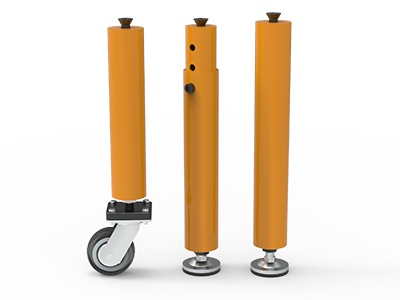
 Round Table Legs
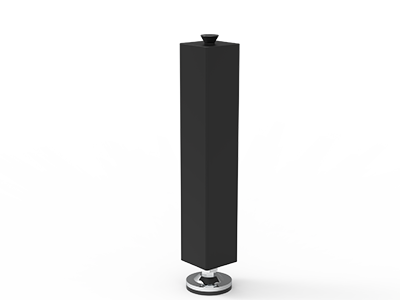 Square Table Legs
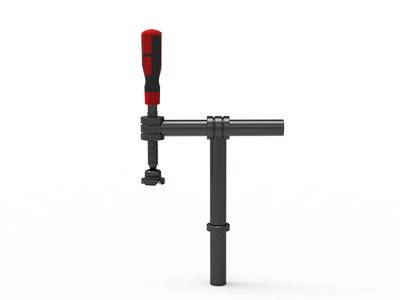 Clamp 180°
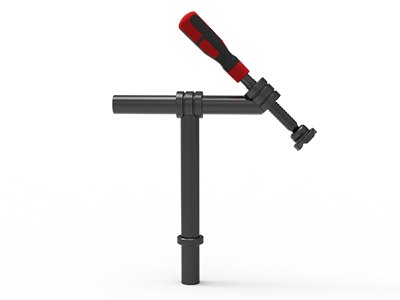 Clamps 45°
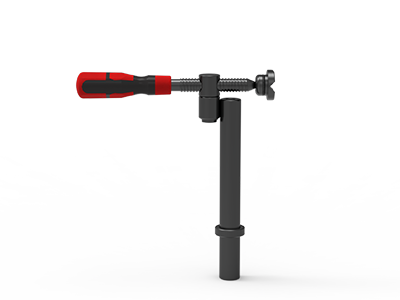 clamp 90°
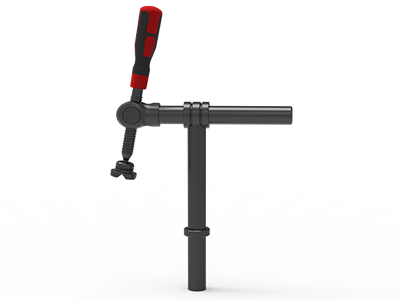 DRINK
DRINK
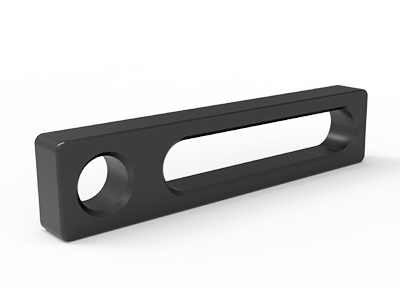 Stop
Stop
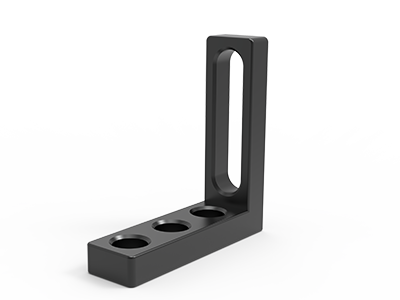 Angle Stop
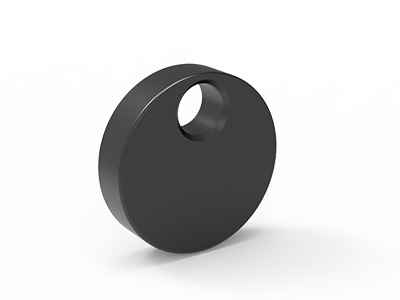 Eccentric Stop Ø 60
 Angle Alignment Template
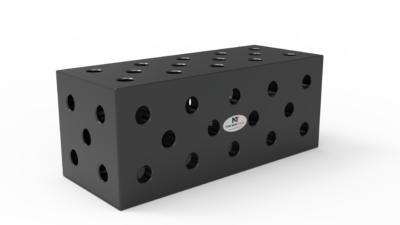 Square u-shape
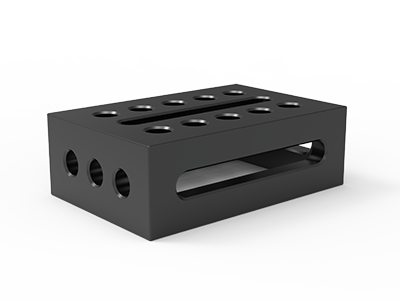 Support and clamping frame
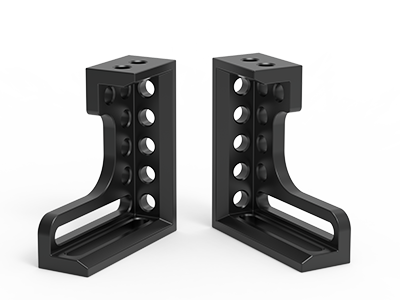 Angle support
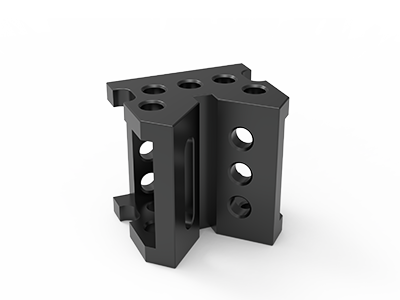 Corner Connection
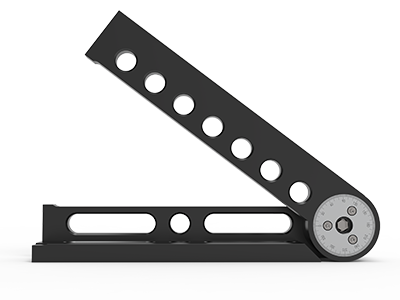 Universal angle clamping
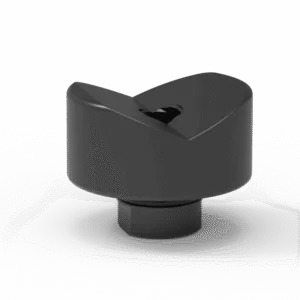 Prism with screwed-in collar
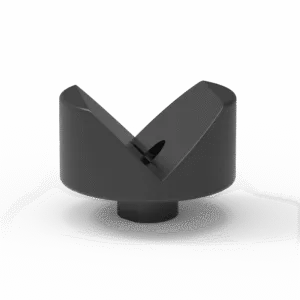 Prism with screwed-in collar
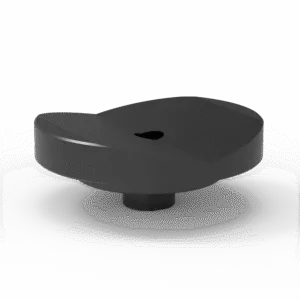 Prism with screwed-in collar
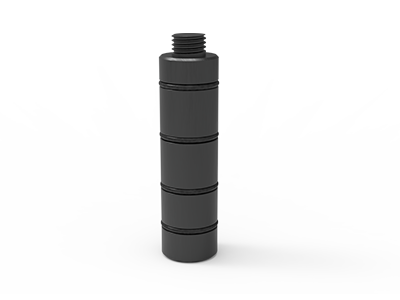 Prism Extension
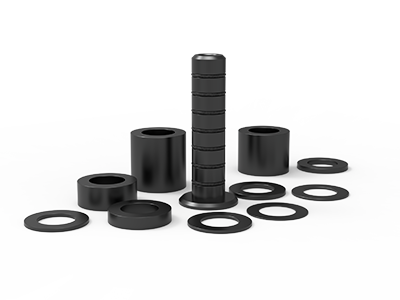 Set of Supports 11-piece set
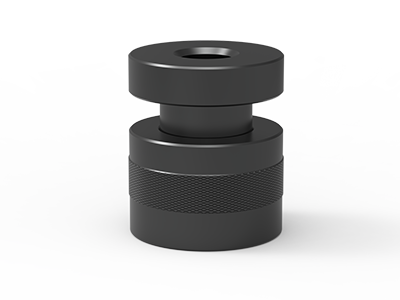 Screw Support Ø 80
 Shipping Bracket
 Tool Cart
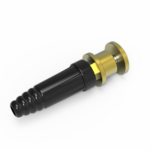 Ground Connection
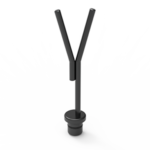 Welding torch holder
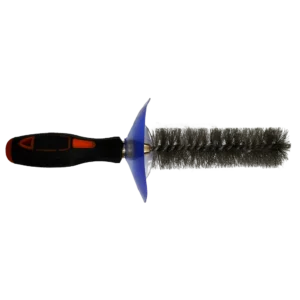 Brush with protecting cover
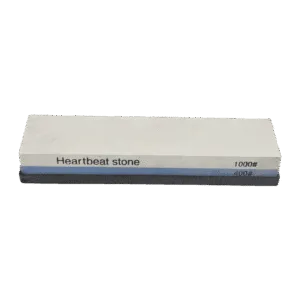 Oilstone
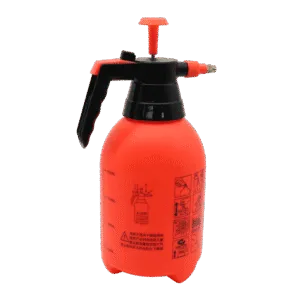 Pump Spray Bottle
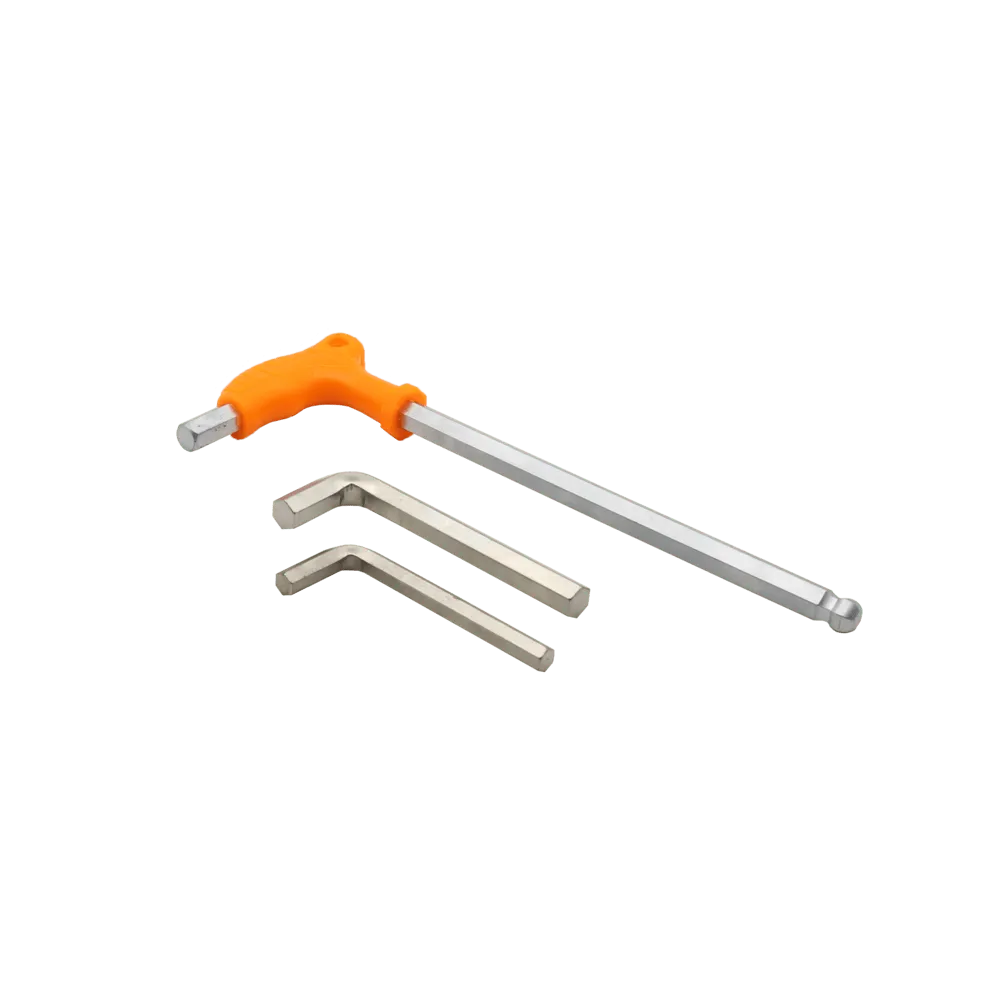 Allen Wrench
How to Choose Between D16 and D28 Welding Tables
Choosing between D16 and D28 welding tables starts with the parts you build, the space available around them, and the fixtures needed to hold them consistently. D16 can be a practical starting point for lighter fabrication and compact assemblies. D28 is worth considering for larger structures and more substantial fixtures. The final choice should come from the specifications of the complete table and tooling package.
What do D16 and D28 mean?
D16 and D28 identify nominal hole diameters of 16 mm and 28 mm. These holes locate compatible bolts, stops, clamps and other modular fixturing tools. The designation helps you identify a tooling system, but you still need the model drawing to confirm hole spacing, table thickness and accessory fit.
Avoid treating the system name as a load rating or an accuracy guarantee. Working capacity depends on the tabletop, supporting structure, legs, extensions and load distribution. Flatness and hole-position tolerances also need to be checked separately. Two tables with the same hole diameter can have different specifications.
When D16 deserves a closer look
Consider D16 when your regular work includes smaller frames, thin-gauge assemblies or compact components. Start by checking whether the available clamps and stops can reach the required contact points without crowding the weld joints. NewWeldTable’s product range describes its D16 series for lighter fabrication, including aluminium and sheet-metal work.
For these applications, compare the actual footprint and handling weight of the tools you will use. Ask whether operators can position, load and release the part comfortably. A compact setup can be useful when bench space is limited, provided the selected table and supports meet the job’s requirements.
When D28 deserves a closer look
Consider D28 when the fixture must accommodate large frames, equipment bases or assemblies that need substantial supports and positioning tools. Check the reach and mounting requirements of those accessories, including any side-mounted squares or extensions. The workpiece should remain accessible throughout loading, tacking, welding and removal.
For a concrete example, NewWeldTable’s TA283015D D28 welding table lists a 3000 × 1500 mm working surface and a 100 × 100 mm hole grid. Those dimensions describe that model. Confirm the drawing for every alternative rather than assuming all D28 tables use the same layout.
Compare the complete fixture, including access
Sketch one representative part on each proposed table. Mark its locating surfaces, supports, stops and clamp positions. Include space for the welding torch and for handling the assembly. A table that fits the finished part may still leave too little room for the fixture or for removing it after welding.
Check accessories as a system. Hole diameter alone does not establish compatibility: bolt engagement, mounting thickness, hole spacing and the supplier’s specified tolerances all matter. If you already own tooling, provide its manufacturer, model numbers and drawings for a compatibility check. Use adapters only where the supplier confirms their suitability for the intended setup.
Ask for model-specific performance information
Request the load rating with its conditions, including how the load is distributed and which legs or supports are required. Tell the supplier about concentrated loads, overhanging parts and extensions. Ask for the relevant flatness and hole-position tolerances, as well as the inspection conditions used to verify them.
Review the tabletop material, surface treatment and recommended care. Compare those details with your production environment and maintenance routine. For repeat work, also document the fixture layout and inspection method. A well-chosen table supports consistent setup; the finished assembly still depends on part preparation, locating strategy and welding procedure.
Compare the cost of a usable setup
Ask for quotations covering the same scope: table, legs, essential clamps, stops, supports and any required extensions. Include delivery and installation requirements in the comparison. Identify which tools are needed for the first job and which can wait. This produces a more useful budget than comparing tabletop prices alone.
Plan around the work you expect to repeat. If your workload ranges widely, compare how each proposed setup handles a typical small part and a typical large part. Check changeover effort and accessory needs before committing to a system.
Get a recommendation for your parts
Prepare your workpiece dimensions and weight, material and thickness, required assembly tolerances, production quantity and existing tooling details. A drawing or a simple fixture sketch makes the comparison more specific.
Contact NewWeldTable with these requirements to discuss a D16 or D28 configuration. Ask for confirmation of the selected model, tooling compatibility and complete quotation before ordering.