
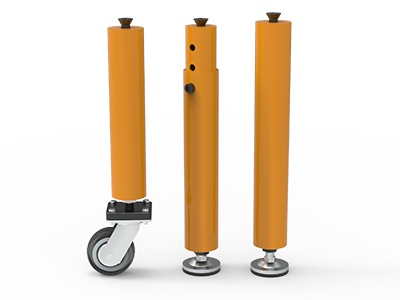
 Round Table Legs
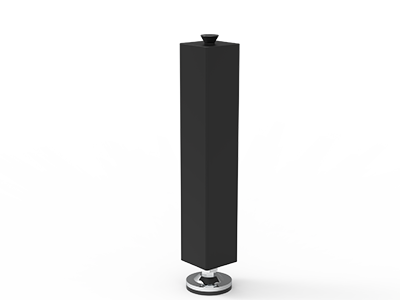 Square Table Legs
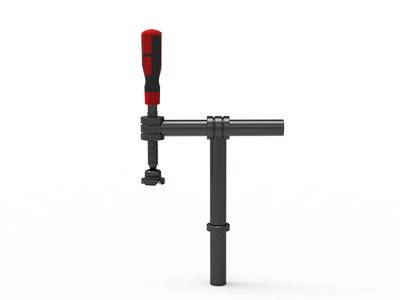 Clamp 180°
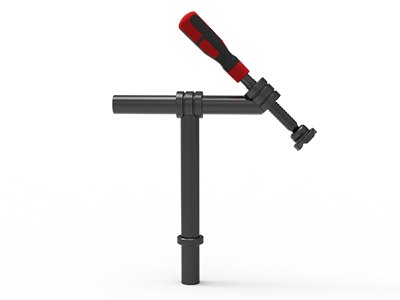 Clamps 45°
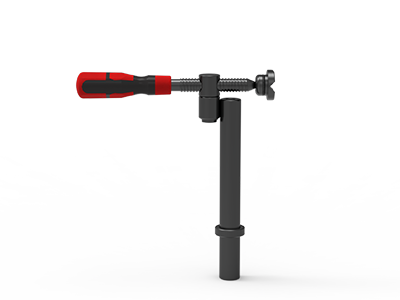 clamp 90°
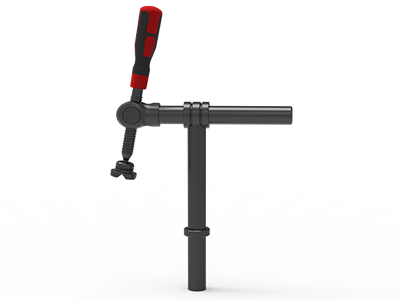 DRINK
DRINK
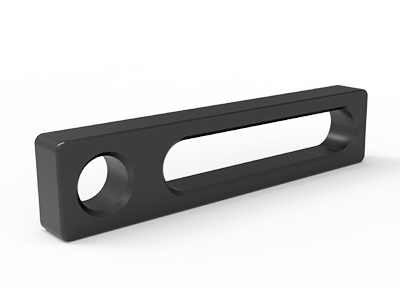 Stop
Stop
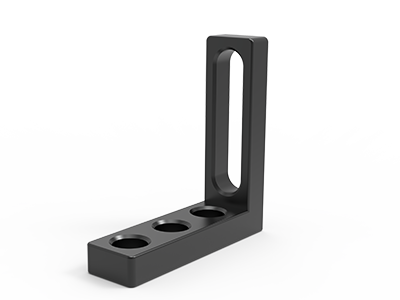 Angle Stop
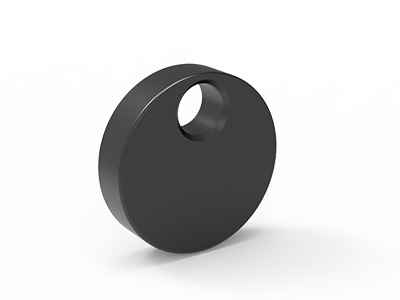 Eccentric Stop Ø 60
 Angle Alignment Template
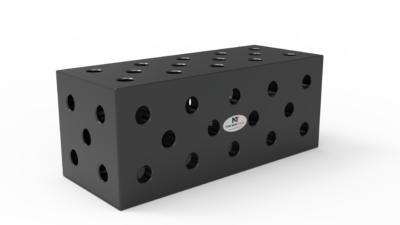 Square u-shape
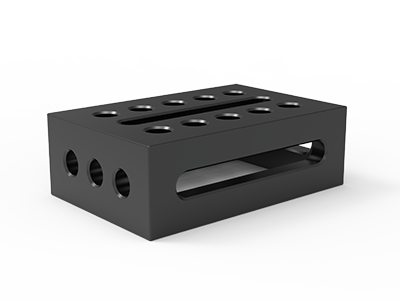 Support and clamping frame
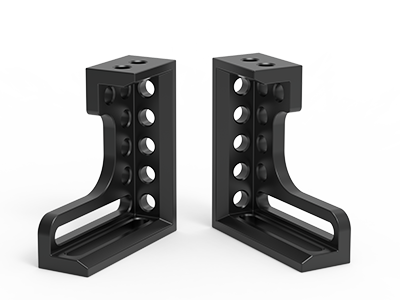 Angle support
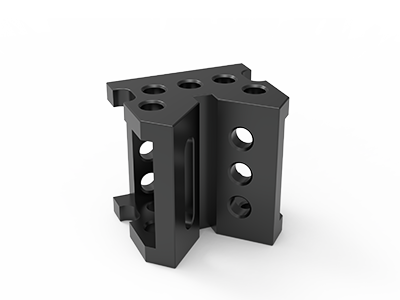 Corner Connection
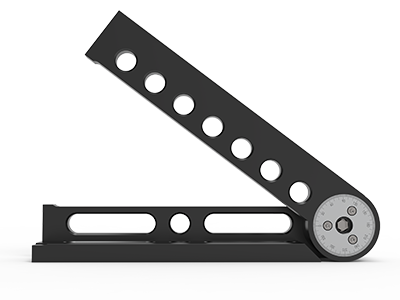 Universal angle clamping
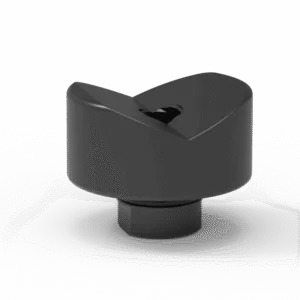 Prism with screwed-in collar
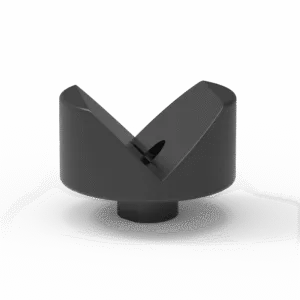 Prism with screwed-in collar
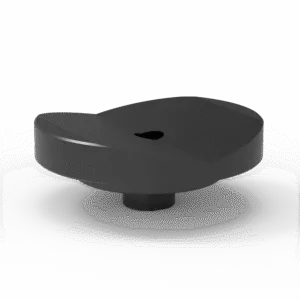 Prism with screwed-in collar
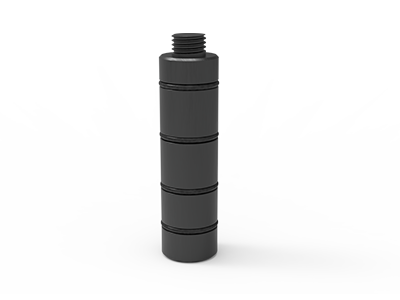 Prism Extension
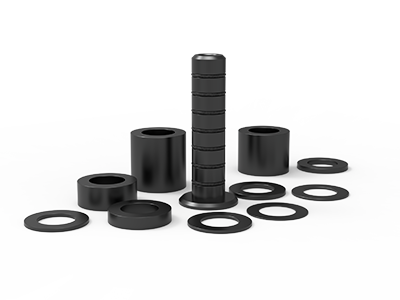 Set of Supports 11-piece set
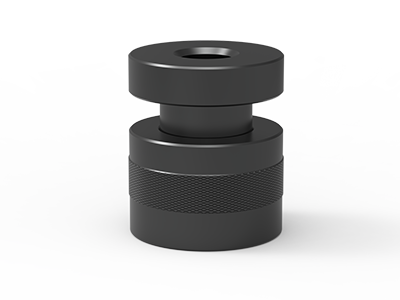 Screw Support Ø 80
 Shipping Bracket
 Tool Cart
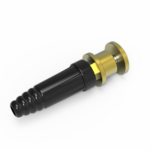 Ground Connection
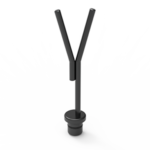 Welding torch holder
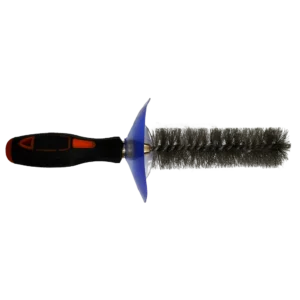 Brush with protecting cover
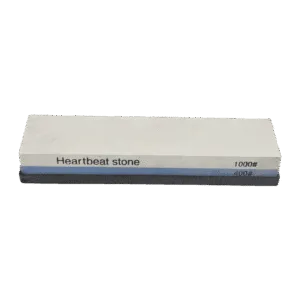 Oilstone
 Pump Spray Bottle
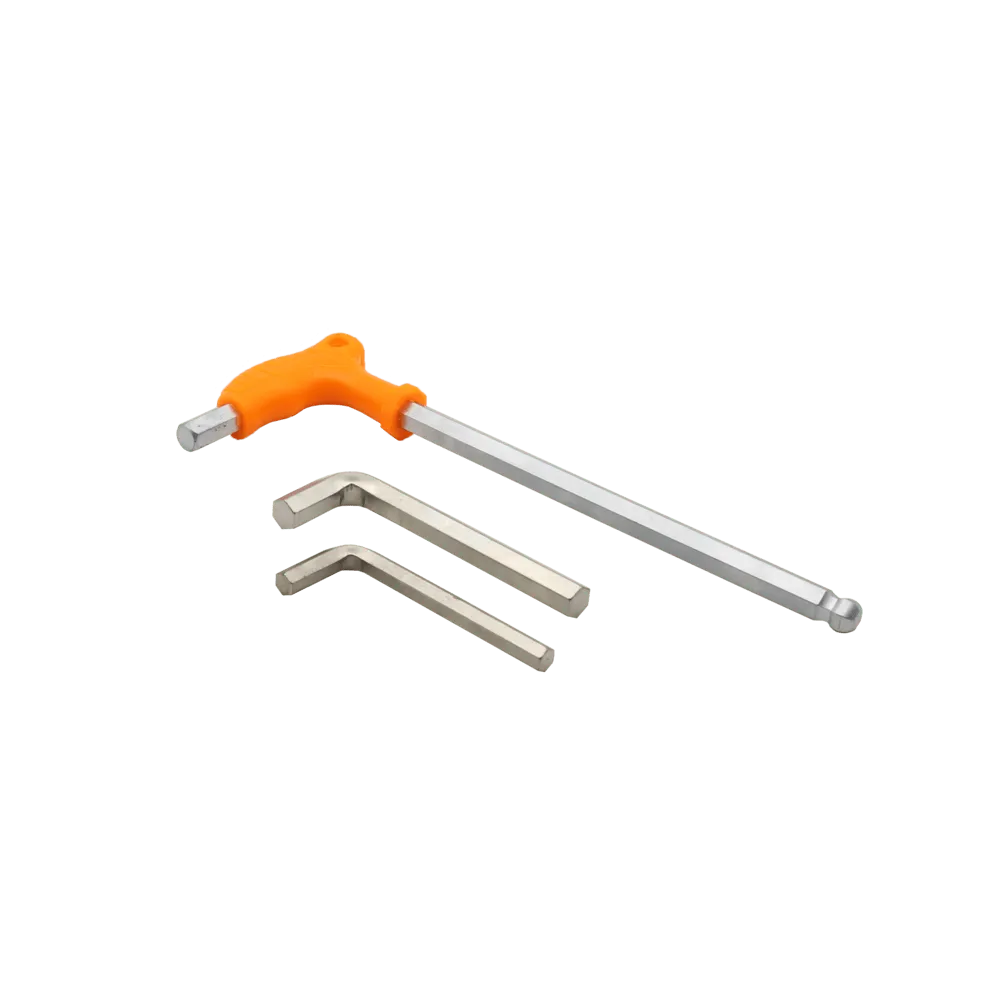 Allen Wrench
D28 Welding Table Stops: Choosing Straight, Eccentric and Square Stops
Choose D28 welding table stops by the face you need to locate, the adjustment you need between holes, and the access your welder needs after the part is clamped. Use a straight stop for a long, clear reference edge; an eccentric stop where the contact point needs small positional adjustment; and a clamping square when a vertical face or a corner needs support. In every case, check the actual table drawing, the stop mounting pattern, and the bolt stack before you order.
A stop establishes position. A clamp holds the workpiece against it. Confusing those jobs often produces a fixture that looks complete in a product list but is awkward to load, tack or repeat on the shop floor. This guide helps a buyer turn a part drawing into a workable D28 stop list.
Start with the part datum, not the accessory catalog
Mark the surfaces that matter on the part drawing before selecting hardware. For a rectangular frame, that might be one long outside edge and one perpendicular end. For a plate assembly, it might be a machined edge and two specified hole positions. The aim is to locate the part consistently without trapping it in a rigid nest that is difficult to load or release.
Sketch a simple three-point plan: two contacts along the primary edge and one contact at the adjacent end. Then decide where clamps will push the material into those contacts. This is a starting layout, not a universal rule. Thin sheet, uneven cut edges, mitred joints and parts with weld shrinkage may need a different sequence or adjustable contacts.
- Identify the reference face: choose a surface controlled on the drawing, not a rough edge that varies from blank to blank.
- Check access: leave room for the torch, tack sequence, cleaning and part removal.
- Separate locating from holding: show the stop, clamp direction and expected contact on the same sketch.
- Mark release direction: make sure a completed weldment can lift or slide free of the fixture.
A modular table’s bore pattern gives several mounting positions for stops and clamps. The part drawing decides which of those positions are useful. Confirm the actual grid pitch on the selected table before transferring a layout from another model.
Compare the three stop types by contact and adjustment
| Stop type | Best starting use | Check before ordering |
|---|---|---|
| Straight stop | Continuous reference for a plate, section or frame edge | Contact length, mounting holes, bolt access and clearance around the weld |
| Eccentric stop | Local contact where a fixed hole position does not put the face exactly where needed | Adjustment range, locking method, contact height and repeat-setting method |
| Clamping square | Upright face, corner reference or raised contact plane | Height, orientation, bolt stack and whether the square blocks loading or welding |
These tools are complementary. A long stop can establish a straight datum while an eccentric stop takes up a small gap elsewhere. A square can move the locating face above the table surface. Do not assume that every D28 accessory from different suppliers shares the same counterbores, slot widths, bolt engagement or usable adjustment; request drawings for the exact parts you intend to combine.
When to specify a straight D28 stop
A straight stop is the simple choice when the workpiece has a sufficiently straight, accessible edge. NewWeldTable lists a D28 stop named 500 × 100 × 25 mm, as well as shorter catalog options including 300 × 50 × 25 mm and 150 × 50 × 25 mm. Those are catalog dimensions, not a promise that the full nominal length is usable as a contact face in every fixture. Ask for a drawing if the exact contact zone or hole pattern matters.
Choose length for the actual contact you need. A 500 mm stop may be useful along a long section, but it can cover holes needed for clamps or interfere with a tack weld. Two shorter stops may make loading easier and give a clearer gap for a weld. Conversely, a short stop placed against an irregular sawn edge can register a local high spot rather than the intended datum.
Practical layout check
Lay the stop outline on a scaled plan of the table. Mark the table edge, the workpiece, weld locations and every clamp handle. Include the direction the operator will insert and remove the part. If the stop must be moved between jobs, note its hole coordinates and orientation in a setup sheet; a photo alone may not show which face was used.
Where an eccentric stop earns its place
An eccentric stop can put a contact point between the positions available from the hole grid. NewWeldTable lists D28 eccentric stops in Ø60 mm and Ø100 mm versions. The listed diameter identifies the catalog option; it does not tell you the usable offset range or the exact contact geometry. Confirm those details on the current product drawing before using an eccentric stop to set a critical dimension.
Use an eccentric stop to take up a modest positional difference, to set a localized contact on an uneven profile, or to fine-tune a trial fixture after the main datums are established. It is a poor substitute for a missing fixture plan. If every production piece requires a different eccentric setting, investigate blank variation, cut quality or the choice of datum before adding more adjustment points.
Write the setting method into the work instruction. A witness mark, gauge block or measured offset can be useful only if it is tied to a drawing dimension and checked at the same contact height each time. Ask the supplier how the selected stop is locked and which fastening parts are included. Do not infer holding capacity from the term “eccentric”; the clamp must still provide the intended holding force.
Use a clamping square when the reference face must rise
A clamping square offers a vertical face that a flat stop cannot provide by itself. NewWeldTable’s D28 Clamping Square 300 is listed with a 200 mm length, 75 mm width, 300 mm height and 27 mm thickness. Those dimensions help assess envelope and reach; verify the mounting pattern and usable face dimensions on the drawing before specifying it for a frame corner.
For a tall frame member, the square may help locate a face above the table. For a low plate, the same square may be unnecessarily bulky and restrict the torch. Check whether the workpiece touches the square at the height specified on the drawing and whether a clamp can push into that face without bending a thin section. A square can also be used with a straight stop to form a corner, provided the two contact faces and fastening positions leave a clear loading path.
If a welded corner must be checked for squareness, use a separate inspection step appropriate to the drawing. The accessory name alone does not establish the assembled part’s angular tolerance. Heat input, blank condition, tack order and clamp placement still matter.
Match stops to the D28 table and bolts
“D28” names the nominal hole system, but it is not a complete fit specification. A purchase list should include the table model and top drawing, grid pitch, top thickness, stop mounting holes or slots, bolt type, bolt length and any contact-face clearance requirement. The table size also affects whether a long stop leaves enough working area for the part and the operator.
For example, a 2000 × 1000 mm table can be a useful planning envelope for a medium frame, but the usable fixture area is smaller once stops, clamps, handles and operator access are drawn in. Confirm the selected table’s grid and side-hole arrangement rather than copying coordinates from another model. Surface treatment and material should follow the chosen table and accessory specification; do not assume a nitrided face or a particular steel grade from the D28 label.
Bolts deserve their own stack check. A stop fixed directly to the table has a different stack from a square attached through another accessory. Review the D28 welding table bolt selection guide for the questions to ask about thickness, head clearance and bore engagement. Request compatible bolt part numbers on the quotation so that a useful stop is not delivered without the hardware needed to mount it.
Build a fixture list from one real part
Before requesting a mixed tooling kit, test the list against one representative drawing. Imagine a frame with a long outside edge, a perpendicular end and a vertical bracket. The initial list might be two short straight stops along the long edge, one end stop, one square at the bracket, clamps directed toward the primary datums and the matching bolts. An eccentric stop is added only if a contact must be adjusted after the fixed references are chosen.
Run through the sequence on paper:
- Place the largest member against the primary contacts without forcing it.
- Add the end reference and confirm the part can still be loaded.
- Position the vertical bracket against the square at its specified height.
- Add clamps in directions that seat the parts against the contacts.
- Mark tack and weld access, then check how the finished assembly leaves the table.
- Record hole coordinates, accessory orientation and the inspection dimensions in a setup sheet.
This exercise often reveals that an extra clamp or a shorter stop is more valuable than another long bar. It also shows where an adjustable contact is genuinely needed. If the product mix changes frequently, prioritize a small group of stops that can be repositioned and documented rather than assuming one dense fixture will cover every job.
Questions to put on the purchase order
- Which part drawing and datum faces will the tooling support?
- What are the exact table model, working size, hole diameter, grid pitch and top thickness?
- Which stop face will touch the part, and at what height above the tabletop?
- What are the mounting-hole or slot details, compatible bolt numbers and required quantities?
- For an eccentric stop, what are the adjustment range and locking method?
- Will each stop leave room for clamps, weld access and removal of the finished assembly?
- What surface treatment, packing and destination details must appear on the quotation?
Send the table model, part drawing, expected workpiece envelope and a marked-up datum sketch when you request a quotation. Ask for a line-item stop and bolt list with drawings for any critical contact or compatibility point. That makes it easier to buy a D28 setup your team can actually assemble and repeat.