
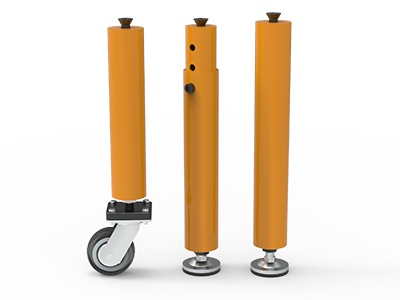
 Round Table Legs
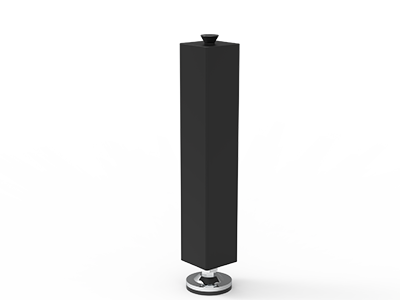 Square Table Legs
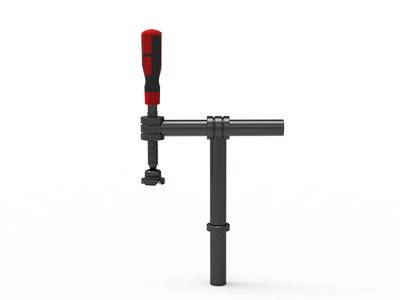 Clamp 180°
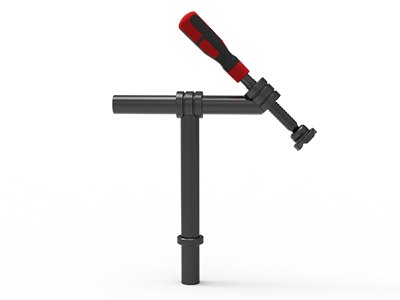 Clamps 45°
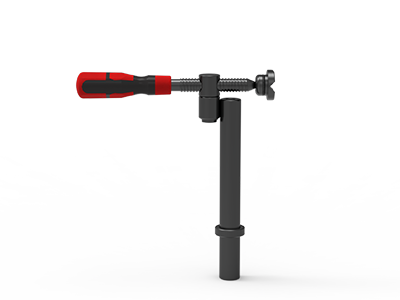 clamp 90°
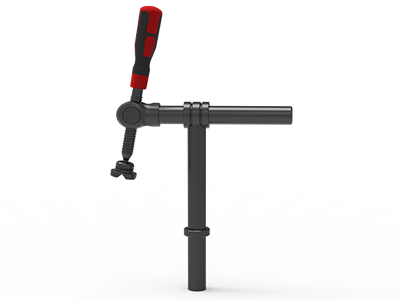 DRINK
DRINK
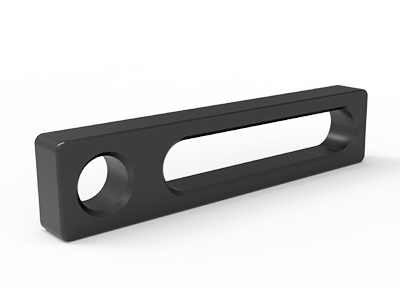 Stop
Stop
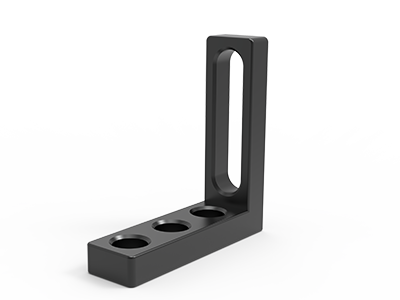 Angle Stop
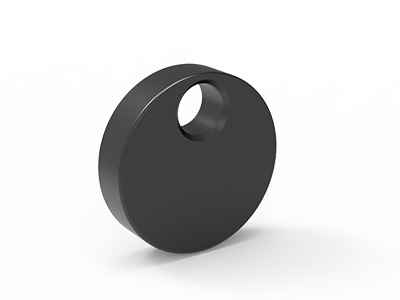 Eccentric Stop Ø 60
 Angle Alignment Template
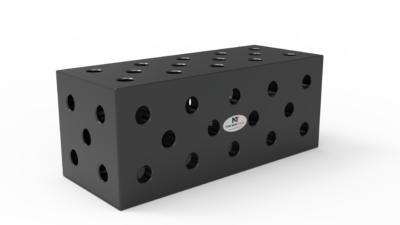 Square u-shape
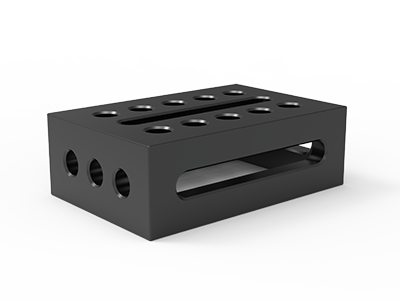 Support and clamping frame
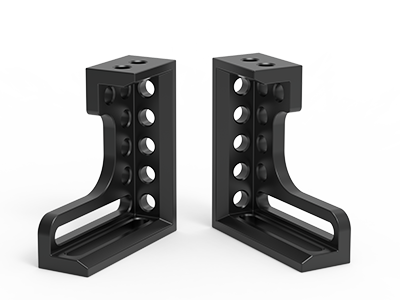 Angle support
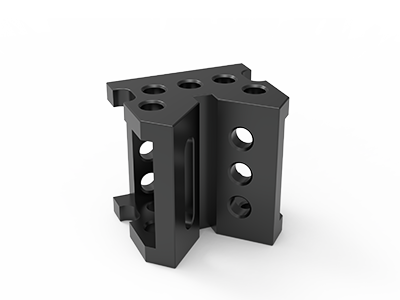 Corner Connection
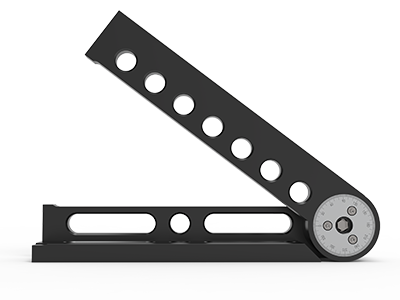 Universal angle clamping
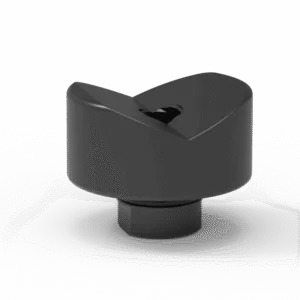 Prism with screwed-in collar
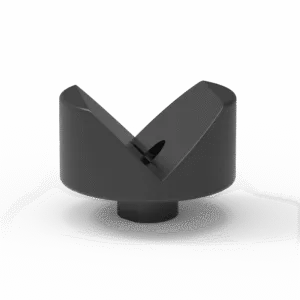 Prism with screwed-in collar
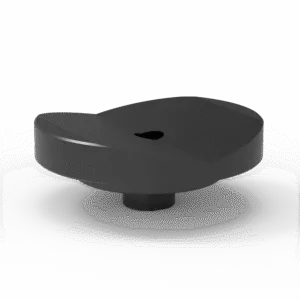 Prism with screwed-in collar
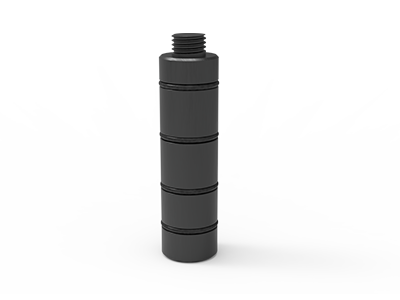 Prism Extension
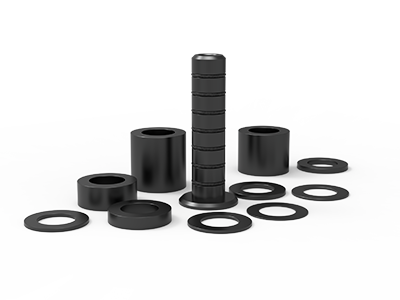 Set of Supports 11-piece set
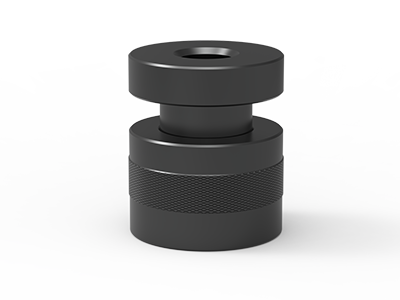 Screw Support Ø 80
 Shipping Bracket
 Tool Cart
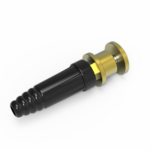 Ground Connection
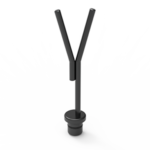 Welding torch holder
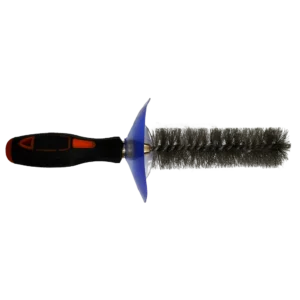 Brush with protecting cover
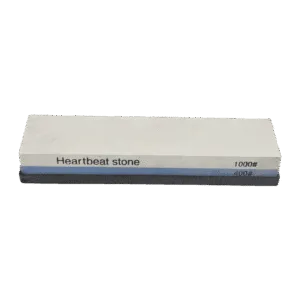 Oilstone
 Pump Spray Bottle
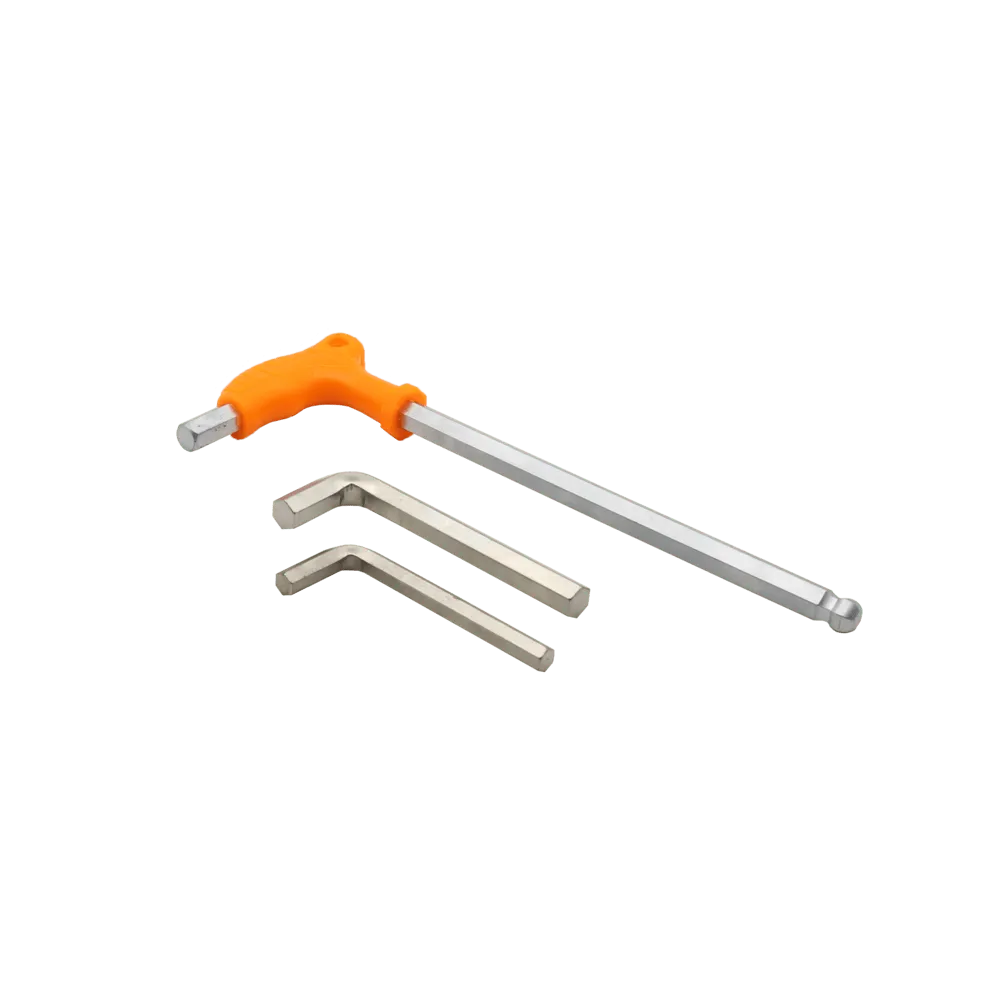 Allen Wrench
Welding Table Grounding: Where Should the Work Clamp Go?
For most welding jobs, attach the welder’s work clamp to clean metal on the workpiece, as close to the weld as the equipment instructions and fixture allow. A connection to the welding table can also be appropriate when the table and part form a verified, continuous return path and the table has a suitable connection point. Do not assume that placing a part on a metal table proves electrical continuity. This is the central decision behind welding table grounding.
Buyers often call the work clamp a “ground clamp.” That shorthand hides a second, different question: whether the table or welding machine requires a protective earth connection. The work lead completes the welding circuit; protective grounding follows the equipment manufacturer’s instructions and local electrical rules. A table accessory cannot replace either assessment.
Work return and protective earth are different connections
In an arc welding circuit, current travels from the power source through the electrode and arc, across the work, and back through the work cable. The clamp or approved connection point is part of that return path. If the return relies on a painted face, a loose stop, a rotating joint or an unintended piece of handling equipment, the path is uncertain.
Protective earth serves a different purpose. The welding machine frame may require grounding under the applicable electrical rules; a particular table may have its own earthing instructions. The US OSHA arc welding rule separately addresses machine-frame grounding, work-lead circuits and connection checks. Its US requirements are useful technical references, but buyers should apply the rules and equipment manuals that govern their own installation.
A Lincoln Electric portable welding table manual illustrates this separation: it describes an earth-ground stud for that table and, separately, placement of the welder’s work clamp near the welding area. That instruction belongs to the Lincoln model in the manual. It does not establish that every modular table has the same stud or grounding method.
Where should the work clamp attach?
Start at the workpiece. Select an accessible area of sound, exposed metal that the clamp can grip firmly without interfering with the weld or damaging a critical finished surface. Check the welding power source manual for its work-cable and polarity instructions. Lincoln’s manual advises a good electrical connection close to the welding area; OSHA says the work lead should be firmly attached to the work and connections checked before operation.
Connecting to the table can simplify repeated loading when the fixture is designed for it. It is still necessary to prove the path from the weldment through its actual contact points to the table connection and back to the machine. A fixture that locates a part accurately does not automatically make a dependable electrical joint. Nitriding or oxidation treatment, paint, mill scale, dirt, spatter and loose mechanical contacts must be considered at the actual current-carrying interfaces. Never remove a product finish broadly just to make an unplanned connection; choose an approved contact location or clamp directly to the work.
| Work situation | Connection to assess first | What to verify |
|---|---|---|
| Single part with an exposed clamping area | Work clamp on the part | Firm grip, clean contact and a position near the weld |
| Repeated batch parts on a metal fixture | Part connection, or a qualified table connection | Every contact in the return path after each reload |
| Part held above the tabletop on supports | Work clamp on the part or a designed return connection | Do not treat support bolts as an assumed electrical bridge |
| Two joined tables or a moving fixture | Connection serving the active weld area | Joints, cables and any intended bonding arrangement |
For a large frame, draw the proposed welding path and the return path on the same layout. A convenient connection at the far end of a long assembly may place other equipment or joints in the circuit. The Lincoln manual specifically cautions against remote work-cable locations that allow current through lifting chains and other alternate paths. If the assembly must be repositioned, reassess the connection after each move instead of treating the first setup as permanent.
How a D28 table changes the buying questions
D28 holes and grid marks are for locating and mounting compatible fixtures; their diameter alone does not specify an electrical rating. A bolt that fits a D28 hole is not automatically an approved work-return connector. Ask for the proposed connector’s drawing, contact method, cable termination and current rating for the welding process and duty cycle. Confirm how it attaches to the exact table model and which surface is intended for electrical contact.
NewWeldTable lists a JD28001 Ground Connection as an accessory for its D28 modular table system. The public listing does not provide a verified ampere rating, interface drawing or installation procedure, so request these before specifying it in a production circuit. The product name alone is not evidence that it provides protective earth for a complete installation.
Table specifications are still relevant to the fixture layout. For example, the TA283015N D28 table lists a 3000 × 1500 mm working surface, a 100 × 100 mm top-hole grid, Q355B steel, and nitriding plus oxidation treatment. Those are model-specific product details, not an electrical-contact guarantee. The 200 mm side panel and side mounting holes can offer positions for tooling, but the clamp position must remain accessible after the workpiece and fixtures are loaded. Confirm the current drawing for the table and its mounting interface before purchase.
Check the whole fixture, not just the clamp
List the parts that could lie between the weld and the work cable: workpiece, locator, support, square, bolt, tabletop, side panel and connector. Then mark each contact as designed for welding current, verified by the equipment supplier, or unknown. An unknown joint is a reason to move the work clamp to the workpiece or redesign the return path. Do not rely on a bearing, lifting chain, caster, hoist, measuring instrument or building structure as an incidental return route.
Our fixture datum setup guide helps with repeatable mechanical location. Keep that mechanical plan separate from the electrical plan: a repeatable locator may be insulated, dirty or intermittently loaded. If tables are connected to extend a workstation, use the two-table joining guide for mechanical alignment, then specify and verify the return path independently.
Pre-use checks for a repeatable production station
A production checklist should identify the approved connection position for each part family and the person responsible for checking it. Before energizing the equipment, follow the welding machine and workplace instructions, then make these checks part of the setup record:
- Connection: Is the work clamp or specified connector firmly attached at the documented point? Is the contact face free of material that prevents the intended electrical contact?
- Cable: Is the work cable suitable for the machine’s output and duty cycle, correctly terminated, protected from heat and traffic, and free of damaged insulation?
- Fixture: Has a change in supports, clamps, part orientation or surface finish altered the intended return path?
- Other equipment: Could current pass through a hoist, moving part, measuring device or adjacent structure instead of the designed circuit?
- Grounding: Have the machine-frame and any table earthing requirements been checked according to their own instructions and local rules?
OSHA calls for mechanically strong, electrically adequate ground connections and warns against using chains, wire ropes, cranes, hoists or elevators to carry welding current. It also calls for the work lead to be firmly attached and magnetic clamp faces to be cleared of metal particles and spatter. These are useful prompts for a shop checklist even where US law does not apply; the governing local rules and manufacturer instructions still control the installation.
If the connection overheats, arcs at a contact, loosens or produces inconsistent welding behavior, stop and have a qualified person inspect the equipment and return path. Do not treat a hotter clamp as proof that a larger accessory will solve the problem. The root issue may be a poor contact, wrong cable or an unintended path.
What to put on a purchase request
A supplier can only propose a useful connection arrangement when the operating conditions are clear. Attach one fixture drawing and ask the supplier to mark the intended work-cable connection. Include these items:
- Table model, dimensions, material, surface treatment, hole system and grid pitch; identify whether the work uses top holes, side holes or both.
- Workpiece material, envelope, orientation and how it contacts the table or supports.
- Welding process, power source model, expected current range and duty cycle from the equipment specification.
- Preferred work-clamp location, cable route, connector or lug size, and whether parts are removed and reloaded frequently.
- Any moving station, joined table, hoist, robot, sensor or sensitive equipment near the proposed current path.
- Destination country and the electrical installation standard or site rule that the customer will apply.
Ask the supplier to distinguish the accessory supplied with the table from the site’s protective earthing work. Request the accessory drawing, compatible table models, installation instructions and rating documentation before committing to a cable or connector. This is especially important for overseas purchases, where the table supplier may not design the final electrical installation at the destination workshop.
Common questions
Can the work clamp go on a welding table?
Yes, when the table is a suitable part of the designed welding return circuit and the contact from workpiece to table to cable is verified for the actual setup. A clamp directly on the workpiece is often the clearer first choice, especially when a part is lifted on supports or contact with the tabletop changes between jobs. Follow the welding equipment and table instructions.
Does a D28 ground connection replace protective earth?
No such conclusion follows from a D28 hole or an accessory name. The work return and protective earthing have different roles. Check the table accessory documentation, welding machine manual and local electrical rules separately. Have a qualified person approve the installation where required.
Specify the return path before ordering the table
A good table layout leaves room for both fixturing and a connection that can be inspected every shift. If you are planning a D28 station, send NewWeldTable your workpiece drawing, table size, welding equipment details and proposed cable location through the request a quote form. We can review table and accessory compatibility and identify which connector documentation must be confirmed for your installation.