
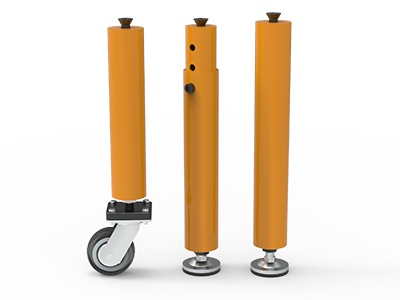
 Round Table Legs
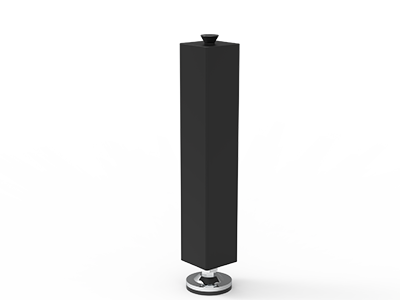 Square Table Legs
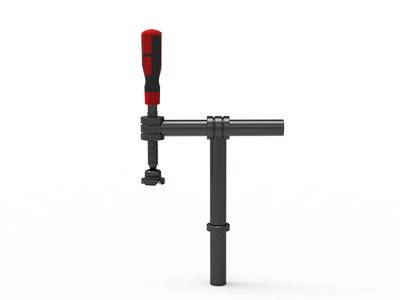 Clamp 180°
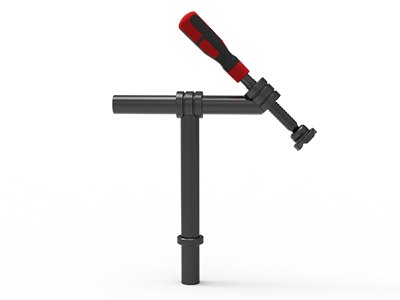 Clamps 45°
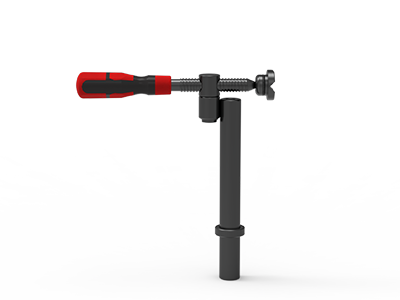 clamp 90°
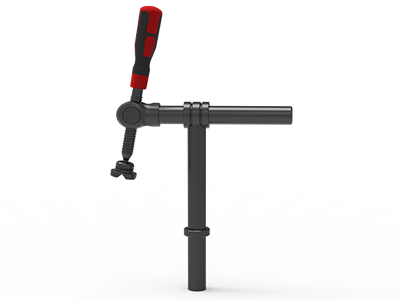 DRINK
DRINK
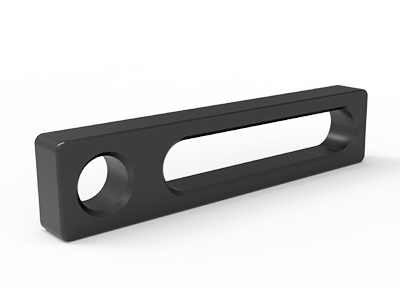 Stop
Stop
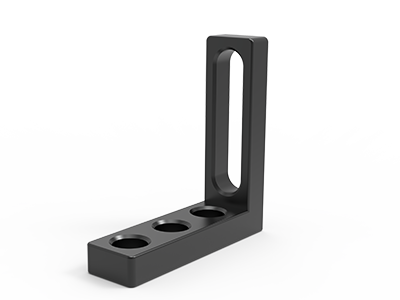 Angle Stop
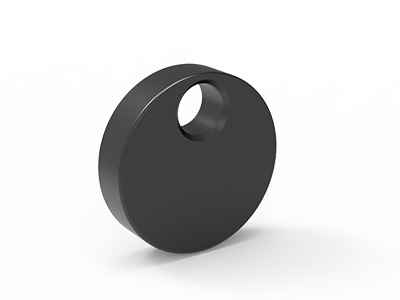 Eccentric Stop Ø 60
 Angle Alignment Template
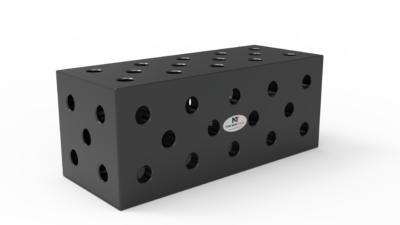 Square u-shape
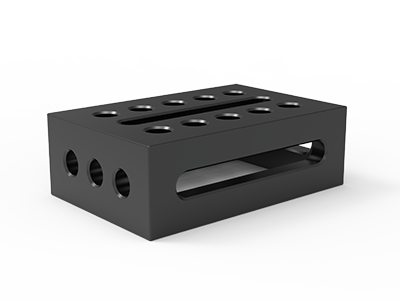 Support and clamping frame
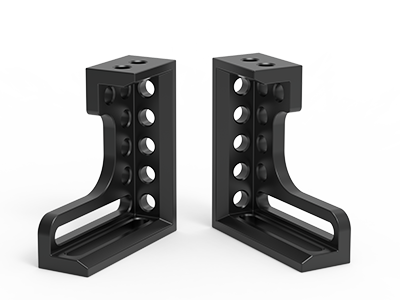 Angle support
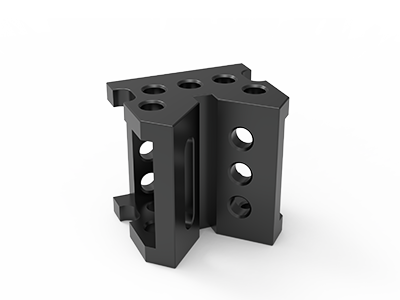 Corner Connection
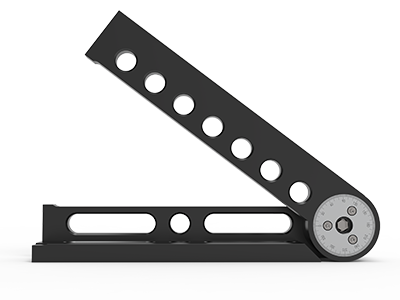 Universal angle clamping
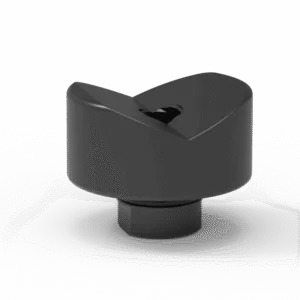 Prism with screwed-in collar
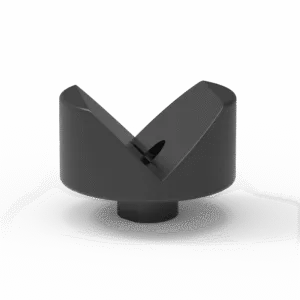 Prism with screwed-in collar
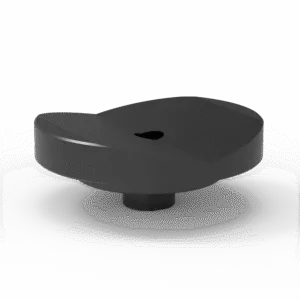 Prism with screwed-in collar
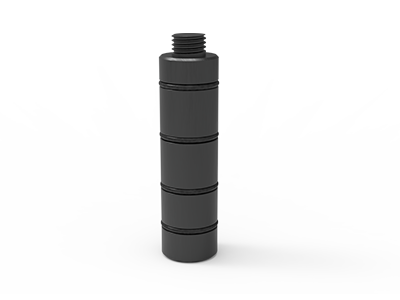 Prism Extension
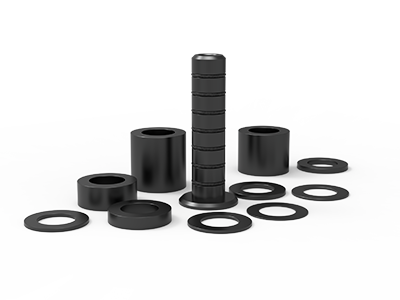 Set of Supports 11-piece set
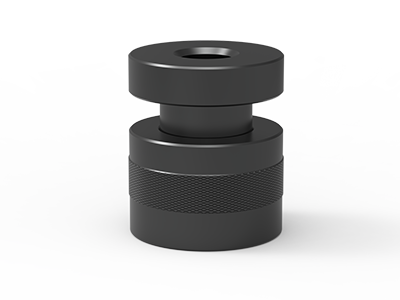 Screw Support Ø 80
 Shipping Bracket
 Tool Cart
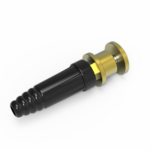 Ground Connection
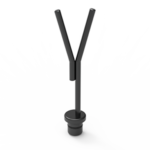 Welding torch holder
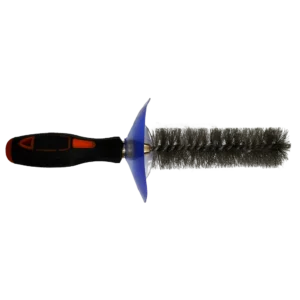 Brush with protecting cover
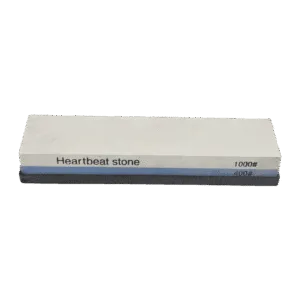 Oilstone
 Pump Spray Bottle
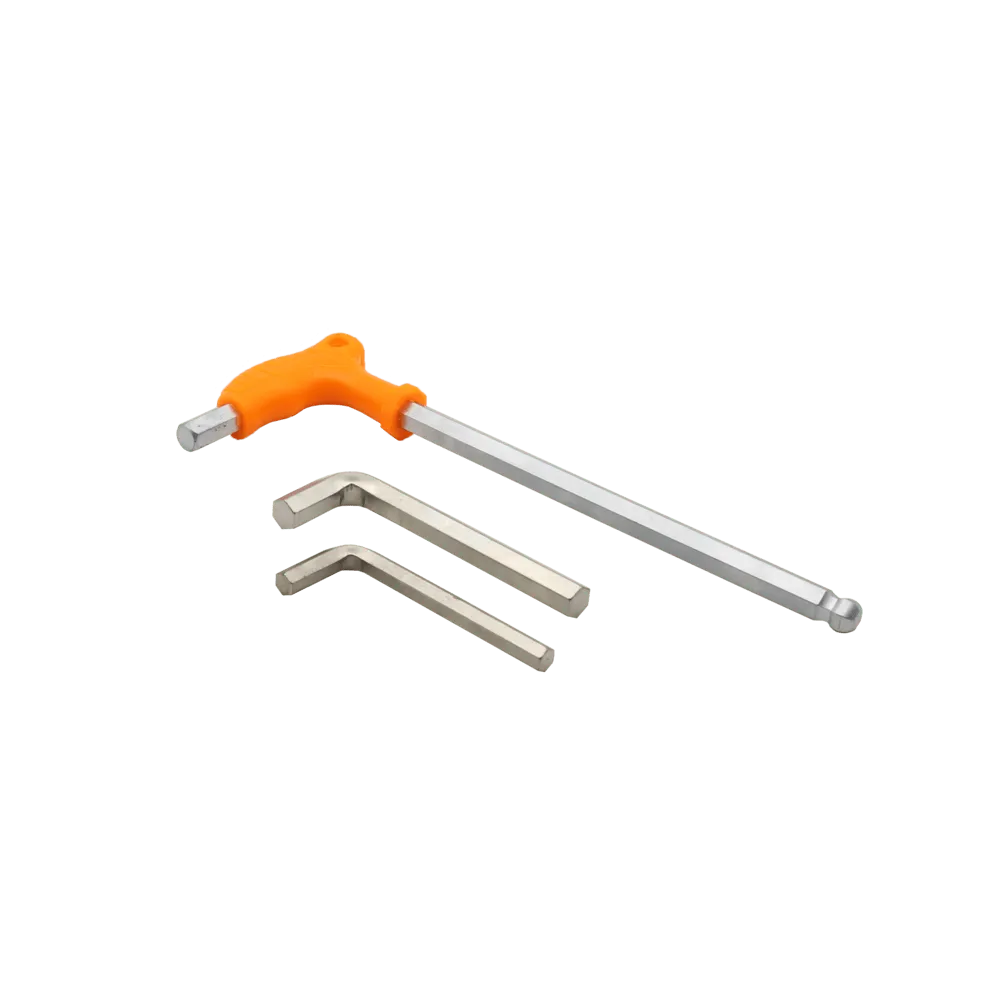 Allen Wrench
Welding Fixture Datum Setup on a 3D Table: A Practical Buyer Guide
A repeatable welding fixture datum setup starts with the weldment drawing, not with an empty table full of holes. Choose the surfaces or features that define the finished assembly, give each a clear locating job, then place stops, supports and clamps where the part can be loaded, welded and checked. On a 3D welding table, the hole grid makes tooling movable; it does not decide which workpiece feature should be the datum.
For a buyer, the useful output is a top-view fixture sketch, a short load-and-clamp sequence, and an itemized tooling list. Those documents let a supplier check the table, hole pattern and accessories against a real job. They also let the workshop rebuild the arrangement without guessing from a photograph.
Start with the dimensioned weldment, not a tooling catalog
Mark the dimensions that matter after welding: mounting-hole position, overall envelope, diagonal, mating-face position or a required gap. Identify the drawing’s primary, secondary and tertiary datum features where specified. If the drawing has no datum scheme, ask the design or inspection owner which features actually control fit at assembly. A convenient raw-cut edge is a poor default when its length or squareness can vary.
Decide when each feature exists. A machined hole in a supplied component can be a useful locator; a hole drilled only after welding cannot locate the initial weldment. Similarly, a narrow edge hidden by a tack weld may be a bad contact for a tool that must remain in place throughout welding. Record the component condition as received, after tacking and after the final weld.
The supplier should receive the part drawing or a redacted version showing the controlled dimensions and datum features. If several variants share the table, provide the variant with the largest envelope and the one with the most difficult access. A table that physically accommodates the largest part may still lack a usable hole position for its reference stops.
Translate the 3-2-1 idea into real contact points
For a sufficiently rigid part with three suitable datum faces, a familiar starting arrangement is three primary supports, two secondary contacts and one tertiary contact. The three contacts establish a plane; the two establish a direction along that plane; the final contact fixes the remaining in-plane position. Carr Lane’s fixture-design guidance explains the locating and clamping roles. Renishaw’s FixtureBuilder guide likewise illustrates three, two and one contact points for a stable measurement fixture.
This is a planning principle, not an instruction to force every weldment onto six hard contacts. A thin sheet, irregular casting or long frame may need additional support against sagging. Treat these extra contacts as supports whose adjustment and loading sequence are controlled, rather than quietly adding new datum constraints. For a part located by holes or a cylindrical feature, a pin-based scheme may be more appropriate than three external faces. Have the responsible fixture designer review the specific drawing.
Primary: establish the height and plane
Show the three principal support contacts on the fixture sketch and dimension their heights from a defined table reference. Place them on sound areas of the component, away from an open seam or an edge that will distort easily. The table top itself can act as a support only when the workpiece really contacts it where intended; feet, flanges and weld beads may prevent that. If adjustable supports are required, record each final setting so another shift can reproduce the setup.
Secondary and tertiary: control the in-plane position
Put two well-separated contacts against the selected long face or edge, then one contact against the end feature. Separation helps control rotation; two stops clustered in one corner give a much weaker reference to a long member. A modular D28 straight stop can provide a physical reference, but its usable contact line depends on how it is mounted and where it touches the actual part.
Check that stock variation does not create competing hard contacts. If a frame is pushed simultaneously against stops on opposite sides, a slightly wide blank may jam while a slightly narrow blank may float. Decide which side defines location and which side only applies clamping force. Label them differently in the setup sheet.
Keep locating, supporting and clamping as separate jobs
| Fixture element | What it should control | What to check on the drawing |
|---|---|---|
| Datum locator | Workpiece position from a chosen face, edge or hole | Contact point, datum feature and repeatable mounting position |
| Additional support | Sag or local deflection without redefining the datum | Height setting, adjustment method and access after welding |
| Clamp | Hold the part toward its locators during the operation | Force direction, open/closed clearance and contact strength |
| Table connection | Secure the fixture element to the table | Hole pattern, tool thickness and appropriate bolt engagement |
A clamp is not a substitute for a positive reference. If its pad pushes a component until it happens to touch another loose component, the final position depends on the sequence and the operator. Show arrows on the drawing for each clamp direction: they should drive the workpiece into its designated locators without bending a weak wall or flange. If the clamp must be moved after tacking, state which contacts still maintain the setup.
A D28 clamping square can create a vertical reference for an upright member, subject to its mounting pattern and the workpiece contact height. The square’s catalog height alone does not tell you whether it reaches the datum face or clears the seam. Draw the upright in side elevation and dimension the contact position. Also show how the completed assembly lifts off the square; a good locating surface is of little use if the weldment becomes trapped.
Map datum contacts onto the actual table grid
Once the locating scheme is fixed, place it on a dimensioned table drawing. The TA282010N D28 table is listed as a 2,000 × 1,000 mm model. That is a useful envelope for a first sketch, but the usable fixture position also depends on the current hole drawing, tool footprints, edge offsets and clearance around the workpiece. Ask the supplier for the exact drawing of the proposed configuration rather than inferring every mounting coordinate from a product image.
Number the table holes or give them row-and-column coordinates. Identify the two holes used by a long stop, the hole used by each clamp, and any holes reserved for later variants. If a locator must be placed between grid positions, state the required offset and ask what tooling achieves it. Never substitute the nearest hole without checking whether the resulting datum position changes a critical assembly dimension.
Record the hole system, grid pitch, table size, table material and surface treatment in the RFQ. These are configuration details, not proof that a particular accessory fits. The bolt must suit the table hole, any accessory stack and the intended connection. If you combine brands or use existing tooling, send drawings or samples for a fit check. The site’s D28 bolt guide explains the stack and engagement questions in more detail.
Run a dry sequence before approving the fixture list
A fixture layout can be geometrically correct and still be awkward to use. Walk through the job in order: place the first component, seat it on the primary supports, push it against the two secondary contacts, set the tertiary contact, add remaining components, clamp, tack, weld, cool, unclamp and remove. Mark the point at which every locator or clamp is installed and removed.
Check access and inspection at each stage
Outline the torch and hand access needed around every joint. Check clamp-handle swing, cable route, visibility for tacking, spatter exposure, and the path for removing the assembly. Put inspection points on the same sketch. If a required dimension can be measured only after the part leaves the fixture, specify the separate inspection reference so the measurement can be compared with the drawing’s datums.
For long or heavy parts, also draw the loading and temporary set-down positions. A part supported well after clamping can still tip or snag while being lowered onto the table. Ask the fixture designer to review the complete loading and support method for the workpiece mass and geometry. Avoid treating an accessory’s nominal size as evidence of a safe assembly load.
Finally, do a controlled trial with the actual workpiece and documented inspection criteria. Note any shim or adjustment, then update the setup sheet. A fixture that needs an unrecorded operator correction on every build is not truly repeatable, even if the table grid is precise.
What the buyer should request with the quotation
Send a drawing, expected workpiece condition, material, weld locations, batch or variant information, and destination country. Include a marked top view and side view of the proposed fixture, even if they are simple sketches. Ask the supplier to return a bill of materials with table model and size, the relevant hole drawing, locator and support types, clamp types, connection bolts, accessory quantities and mounting coordinates. Request the table material and surface-treatment description for the quoted model.
- Datum definition: identify each workpiece feature used as the primary, secondary and tertiary reference.
- Mounting definition: identify every table hole or offset position required by the fixture.
- Adjustment record: specify which supports are fixed and which need a measured setting.
- Process access: show seams, tack order, clamp travel and the finished part’s removal path.
- Inspection plan: list the dimensions to check and the reference used for each measurement.
- Quote boundary: separate included tooling from optional parts and request current drawings for approval.
This package is more useful than asking for a generic “complete fixture set.” It gives both parties a way to test whether the proposed tools locate the right features, whether the hole pattern supports the layout, and whether the shop can rebuild it. The same documents can become the first version of the operator setup sheet.
Make the first fixture a reproducible reference
Choose the datums from the weldment’s functional dimensions, use stops and supports for the intended contacts, and aim clamps toward those contacts. Then verify the mounting holes, weld access and inspection path on the exact table drawing. The 3-2-1 principle is a useful start; the finished layout must still fit the part and process.
Send your weldment drawing, proposed table size, fixture sketch and destination through the request a quote form. Ask for a dimensioned table drawing and an itemized datum, clamp and bolt proposal that your production team can check before ordering.