
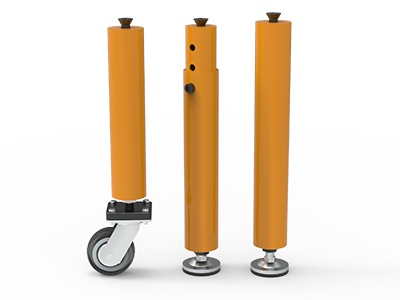
 Round Table Legs
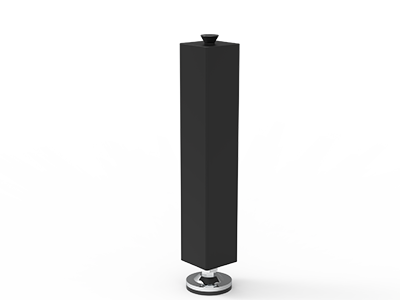 Square Table Legs
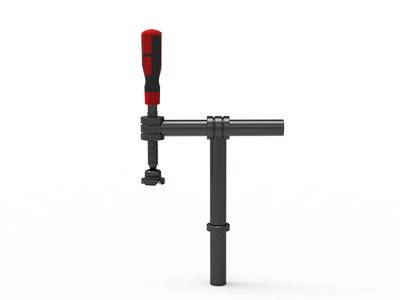 Clamp 180°
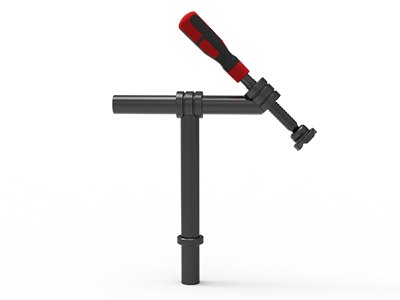 Clamps 45°
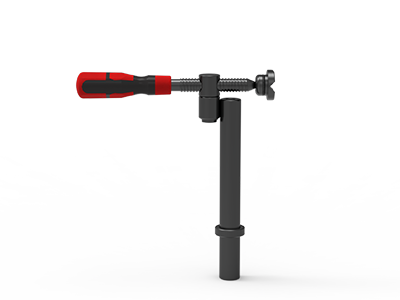 clamp 90°
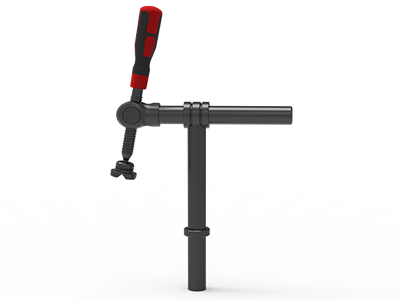 DRINK
DRINK
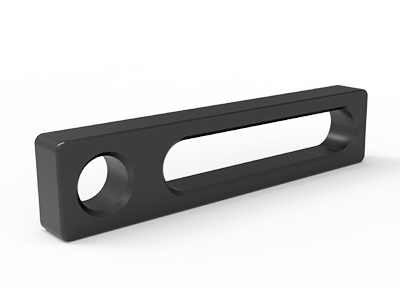 Stop
Stop
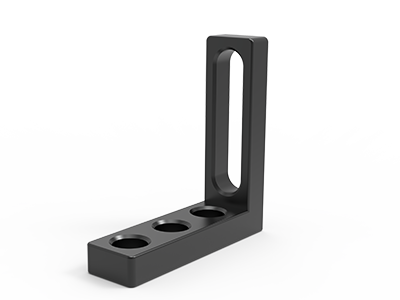 Angle Stop
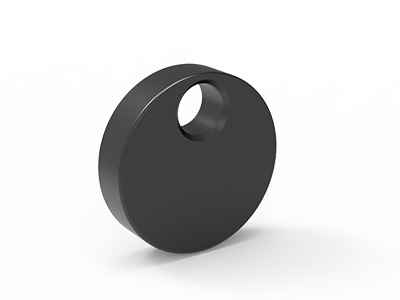 Eccentric Stop Ø 60
 Angle Alignment Template
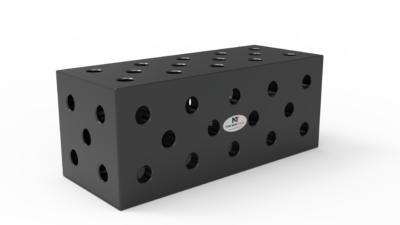 Square u-shape
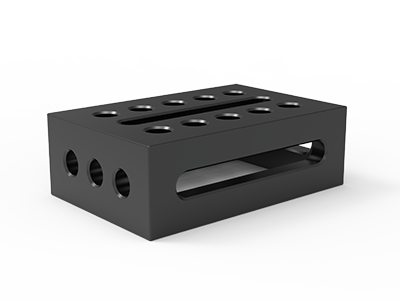 Support and clamping frame
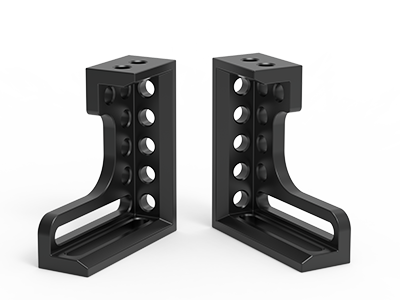 Angle support
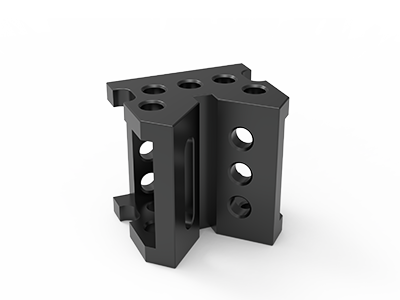 Corner Connection
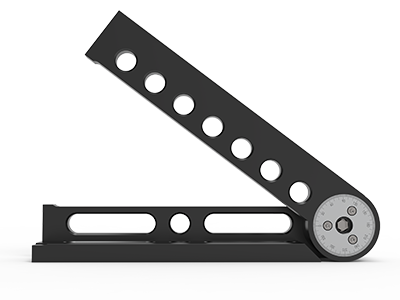 Universal angle clamping
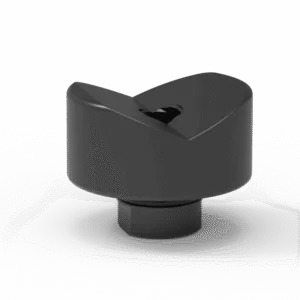 Prism with screwed-in collar
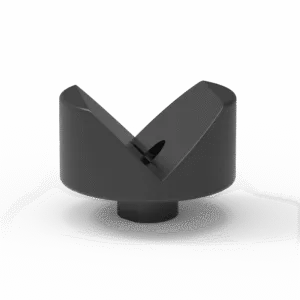 Prism with screwed-in collar
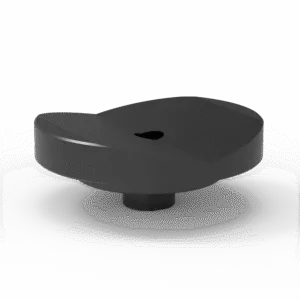 Prism with screwed-in collar
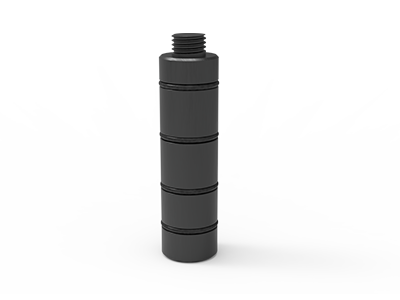 Prism Extension
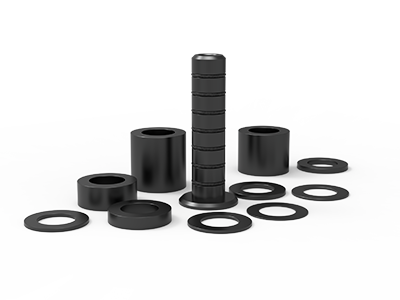 Set of Supports 11-piece set
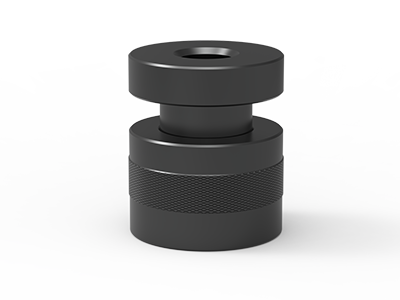 Screw Support Ø 80
 Shipping Bracket
 Tool Cart
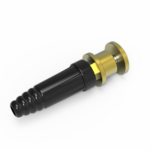 Ground Connection
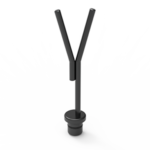 Welding torch holder
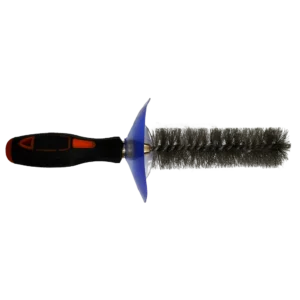 Brush with protecting cover
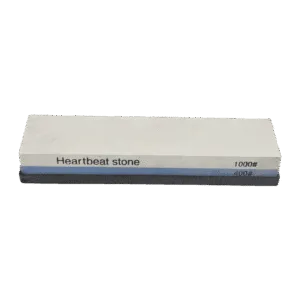 Oilstone
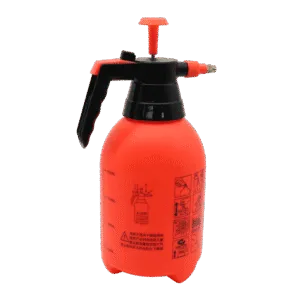 Pump Spray Bottle
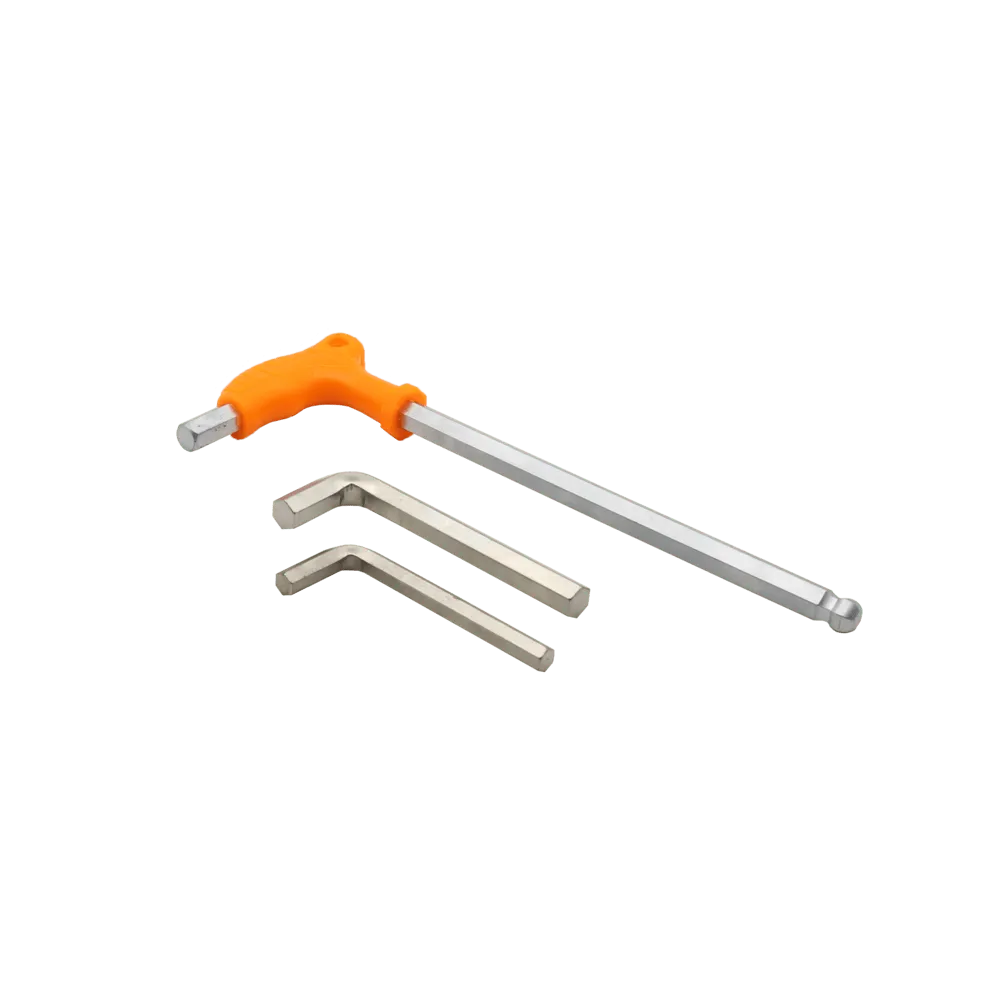 Allen Wrench
Welding Fixture Design for Weld Access: A Shop-Floor Checklist
Good welding fixture design for weld access starts with the weld map, not the accessory catalog. Mark every seam on the released drawing, place the real torch or electrode holder along its intended path, then position stops and clamps outside that working envelope. Check tack welding, final passes, inspection and part removal separately. If any operation requires moving a locating stop before the weld is complete, revise the fixture plan before ordering hardware.
This checklist is for fabricators and overseas buyers specifying a manual modular-table fixture. It also identifies extra information a robotic cell integrator will need. It does not prescribe welding parameters or replace an approved procedure. The aim is narrower: make sure the work can actually be reached, held and released using the table and accessories on the purchase list.
Start with a weld map and a real process route
On a drawing or a printed part view, number the welds in the planned order. For each one, mark its start and end, the side from which the operator approaches, and whether it is made before or after the assembly is turned. Include tack welds. A fixture that permits the final pass but blocks the first tack is still unusable.
Record the process and equipment that will be used: for example, the actual MIG/MAG gun and nozzle, TIG torch with filler access, or electrode holder. Their physical envelopes differ. Do not approve clearance from a bare CAD seam or an accessory photo. Check the work angle and travel direction required by the approved welding procedure with the actual tool in hand. Where welding is to be automated, the integrator should check the robot, torch neck, cables, approach path and any positioner motion together.
- Part data: drawing revision, material, section sizes, joint preparation, weld symbols and expected fit-up range.
- Process route: tack locations, full-pass sequence, any repositioning and the stage at which each clamp is released.
- Access data: tool model, nozzle or cup size, needed approach direction, operator hand space and viewing position.
- Acceptance data: drawing features inspected after tacking and after welding, plus the method used to reach them.
If these items are not known, label them as open questions in the tooling request. A supplier can propose a provisional layout, but cannot responsibly guarantee that a specific torch will fit an unspecified joint.
Draw the swept space, not just the weld line
A line on a drawing has no width; a torch, glove and hose do. In plan and side views, sketch the space occupied as the tool enters, travels and leaves each seam. Include the torch neck, nozzle, contact-tip or cup region as applicable, and the angle changes needed around corners. On a long seam, check the middle of the path as well as both ends. A clamp handle that is clear at the start may block the operator halfway through.
Use the actual tool to set the required clearance. Avoid copying a single millimetre figure from another shop: a different nozzle, joint geometry, glove or welding process changes the necessary envelope. For robotic work, run a collision and reach check in the cell model and confirm it on the physical setup before production. The fixture drawing should show the same tool and orientation assumptions used in that check.
| Operation | What may block it | Practical check |
|---|---|---|
| Load and locate | Stops or tall squares close the entry path | Insert the longest real part without forcing it past the fixture |
| Tack | Clamp feet cover the first joint contact | Place an unpowered torch at every planned tack |
| Full pass | Handle, bracket or adjacent member intersects the tool sweep | Trace the entire seam with tool, glove and hose |
| Inspect | Fixture hides a drawing dimension or weld face | Place the actual gauge or measuring tool in position |
| Release | Finished assembly becomes trapped by stops | Demonstrate the removal path after welding allowances are considered |
Place locators first, then move clamps away from seams
A locating stop establishes the part position. A clamp pushes or holds the part against that reference. When a seam is crowded, first decide which contacts are essential to location and which hardware can move while preserving the same locating scheme. The separate welding fixture datum setup guide explains how to choose those reference contacts. Here the question is whether the resulting contacts leave usable access to the weld.
Try a different clamp approach before adding a tall extension beside a joint. Move the spindle contact farther from the seam, approach from the opposite side, or use a low-profile contact where the part permits it. Then dry-fit the actual blank: a clamp that appears clear against nominal stock may collide with a cut edge, gusset or weld preparation on the delivered component.
On a D28 table, the hole pattern offers multiple mounting locations, but it does not guarantee that a clamp fits any chosen gap. The listed D28 90° variable screw clamp, for example, has a published 100 mm clamping range. That number is a product specification, not proof that the complete gun, handle and workpiece will clear each other. Confirm the actual reach, bolt position and handle swing in a scaled layout or trial setup.
Check three dimensions of access on a modular table
Top-face access
For frames laid flat, top-face fixture parts often crowd inside corners. Show the section wall thickness, joint gap, clamp foot and torch envelope in one view. Check whether a crossmember added later closes access to a seam that was open during the first tack. If the process requires welding both sides, decide when the part is turned and whether the fixture retains the correct datum after it is reloaded.
Raised and vertical access
Raising a workpiece can expose a lower seam, but it also changes stability, clamp reach and the operator’s working height. A tall clamping square can provide an upright reference while taking away side access. The listed D28 clamping square ZC28152 is 300 mm high, 200 mm long and 75 mm wide; use those dimensions as a starting envelope and verify its orientation on the actual table. Do not assume a taller fixture is automatically a better fixture.
The TA283015N D28 table is listed as 3,000 × 1,500 mm with a nitrided steel surface and mounting holes on its top and side panels. Side mounting can give another layout option for some upright work, but the side-hole pattern, accessory connection, total load and safe working arrangement must be confirmed for the proposed assembly. A side face is a fixturing option, not permission to exceed the configured table’s limits.
Test the whole sequence on the shop floor
Before approving an accessory bill, assemble a trial fixture around a representative part or a full-scale mock-up. Use the intended table, bolts, clamps, torch and measuring tools. Keep the torch unpowered during this access check. Have the operator perform the operations in production order, including loading, clamping, simulated tacks, full seam tracing, inspection and removal. A second person should note each point where the operator must change grip, lean across a hot area or move a component to reach a joint.
- Does every clamp close and open without touching the part, another handle or the torch path?
- Can the operator see the joint root and the start and end of each planned pass?
- Can the drawing’s critical dimensions be measured at the required inspection stage?
- Does the hose or cable have a safe route that does not drag across a sharp edge or become trapped?
- Can the part leave the fixture after welding without removing a datum component that is needed for the next part?
Mark each failure on the drawing with a photo and a proposed change. Move one item, rerun the full sequence, then freeze the approved layout. A local clearance fix can create a new loading or release problem elsewhere. Record the final accessory identifiers and table-hole locations so the purchase list and the setup record describe the same arrangement.
What changes for robotic welding?
A manual dry run is useful but does not establish robotic reach. A robot must reach the specified path with the required torch orientation through approach, weld and departure moves. The cell integrator should validate the robot model, tool centre point, torch geometry, cable routing, positioner motion and fixture together. Check access to touch sensing, cleaning and tip changes if those operations are part of the cell plan.
Keep manual and automated fixture quotations separate unless both process routes have been checked. A clamping square or tall stop that makes a manual setup easy can occupy the robot’s approach volume. Conversely, a compact robotic clamp may make manual loading or visual inspection awkward. The fixture layout should identify the intended process, not merely the table model.
Send suppliers an access-ready tooling brief
An effective RFQ contains enough information to test the proposed layout before production. Send the released part drawing, weld map, process route and photos or dimensions of the real torch. Specify whether you need access from above, from the side or after turning the part. State the planned inspection stages and the path for removing the finished assembly. If a model is available, include the part, proposed fixture envelope and keep-out areas as separate layers.
Ask the supplier to return a table and accessory list with part numbers, mounting positions, clamp-contact directions and any unresolved access points. Require them to identify assumptions about the hole system, grid pitch, table size, surface treatment and side-face mounting. If a quote substitutes a different table or clamp, ask for the access check to be updated too. The shortest accessory list is only useful if every required operation still works.
For a D28 project, send NewWeldTable your part drawing, weld sequence, table preference and actual torch details through the request-a-quote form. We can discuss a fixture and accessory configuration against those inputs and flag the access points that need a physical trial before the layout is released.