
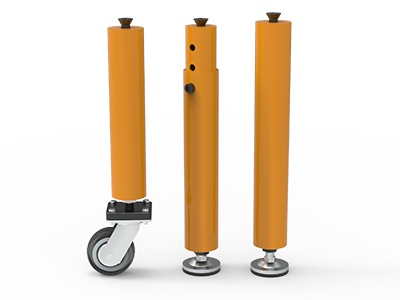
 Round Table Legs
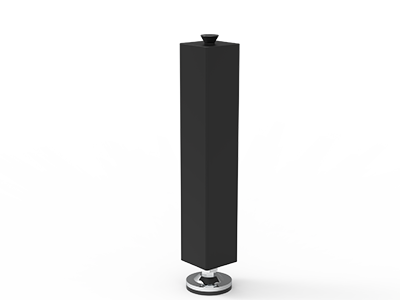 Square Table Legs
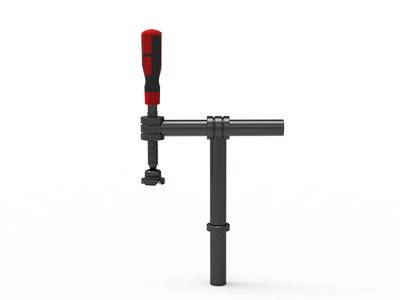 Clamp 180°
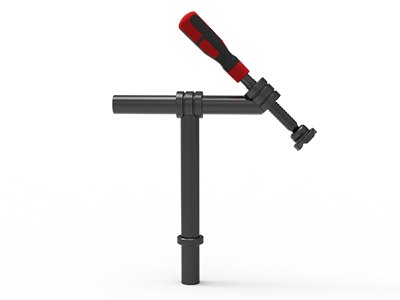 Clamps 45°
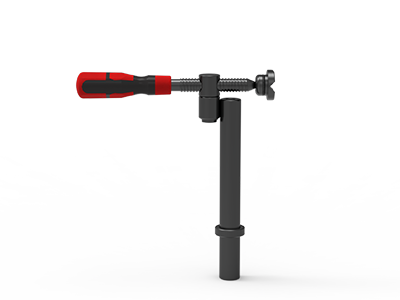 clamp 90°
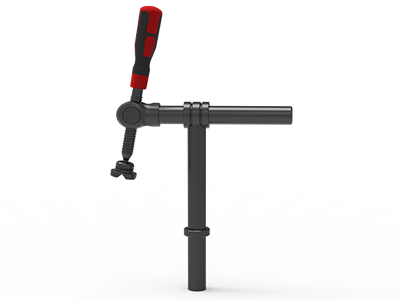 DRINK
DRINK
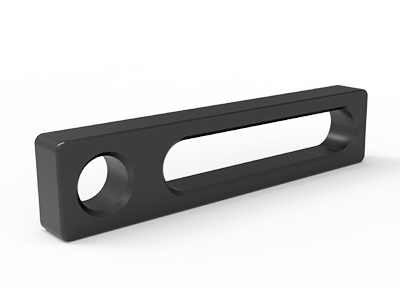 Stop
Stop
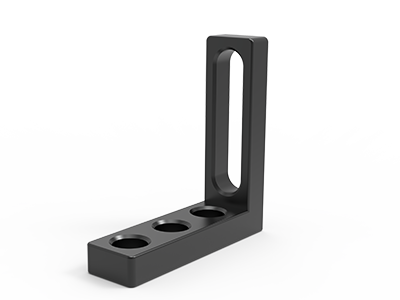 Angle Stop
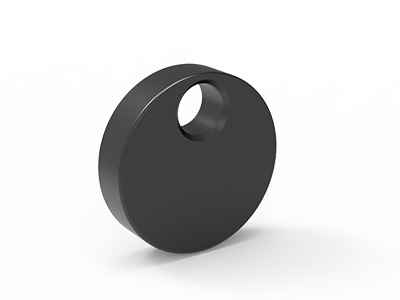 Eccentric Stop Ø 60
 Angle Alignment Template
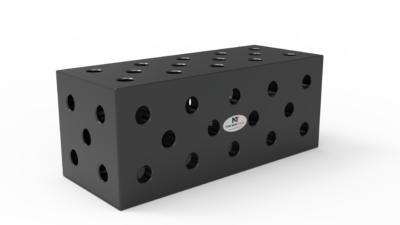 Square u-shape
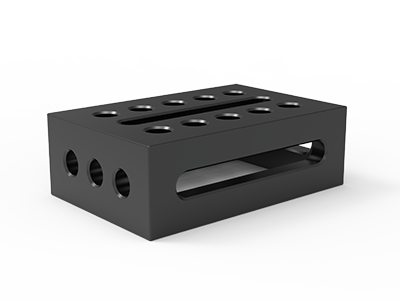 Support and clamping frame
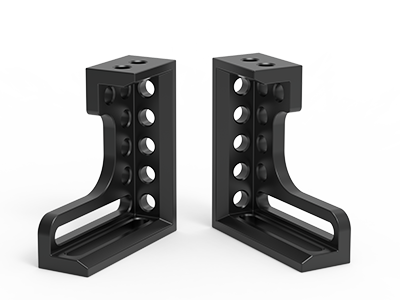 Angle support
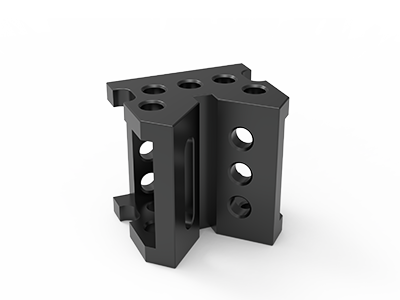 Corner Connection
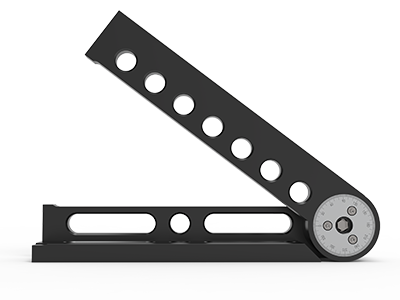 Universal angle clamping
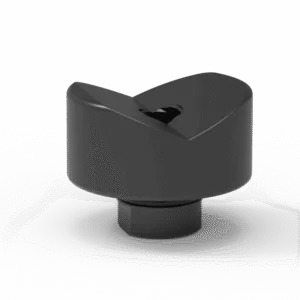 Prism with screwed-in collar
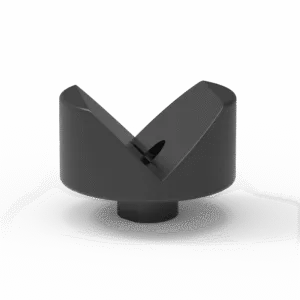 Prism with screwed-in collar
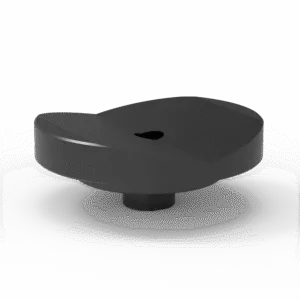 Prism with screwed-in collar
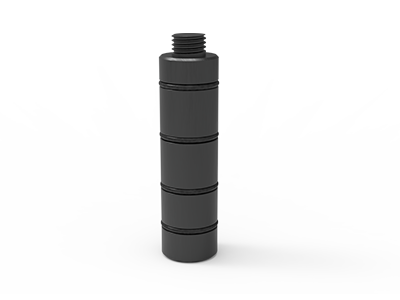 Prism Extension
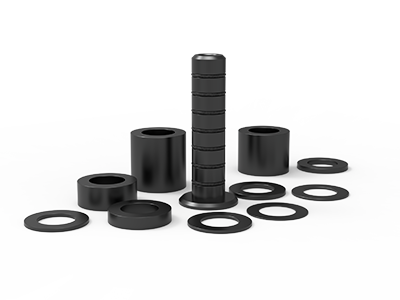 Set of Supports 11-piece set
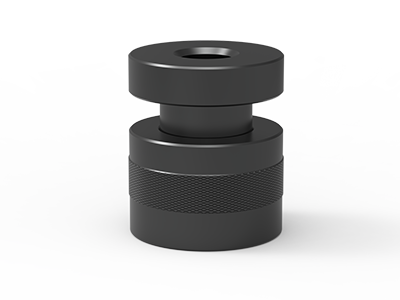 Screw Support Ø 80
 Shipping Bracket
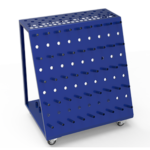 Tool Cart
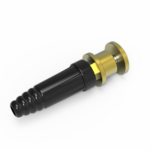 Ground Connection
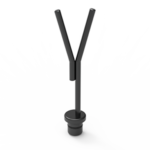 Welding torch holder
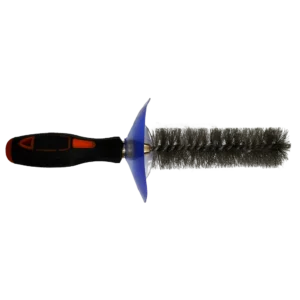 Brush with protecting cover
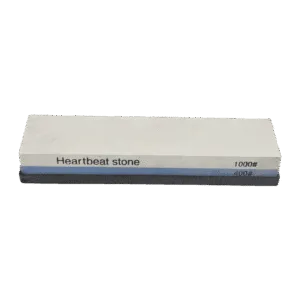 Oilstone
 Pump Spray Bottle
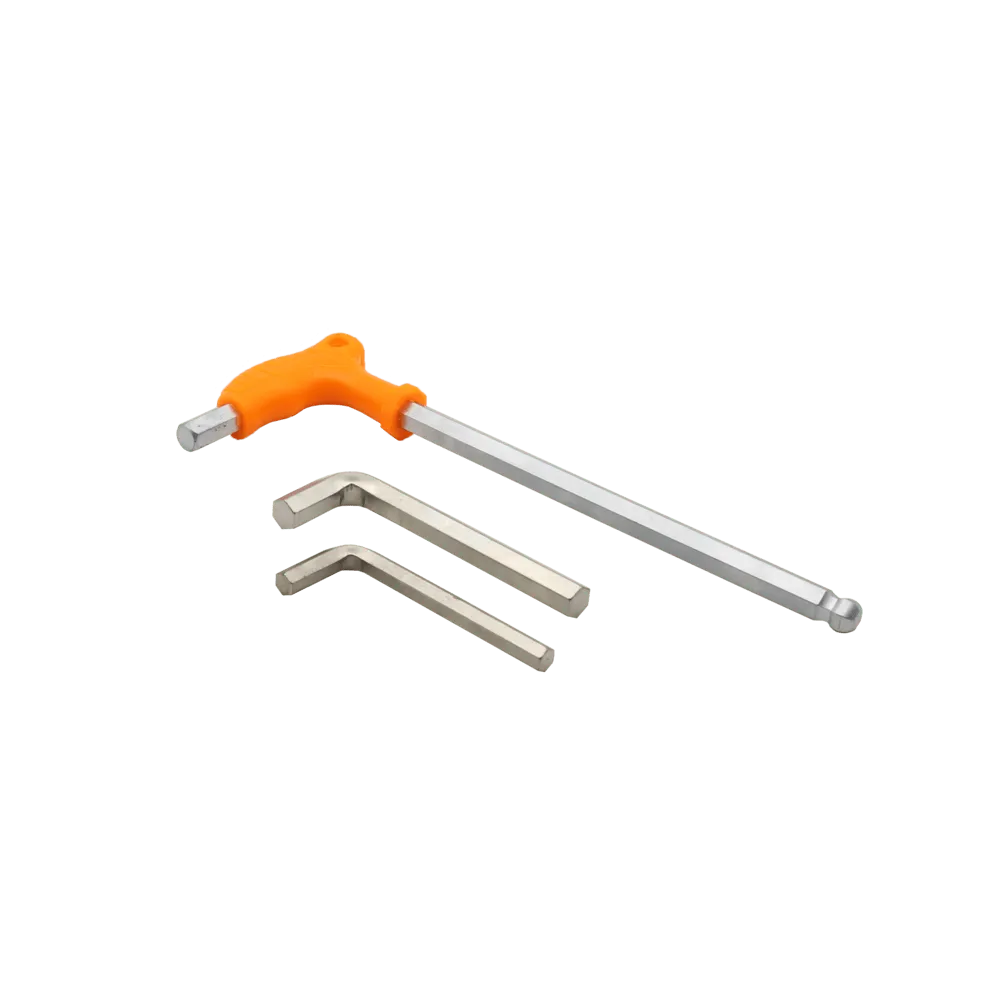 Allen Wrench
D28 Welding Table Angle Fixture: Set Up and Check Non-90° Joints
To build a D28 welding table angle fixture for a non-90° joint, define the angle and its reference faces on the weldment drawing, then choose a bracket that can reach that position without blocking the weld. Locate the first member, set the second against the adjustable face, clamp both members independently, and measure the actual included angle before tacking. Any angle indication on the fixture is a setup aid; the drawing and a checked measuring method decide whether the assembly is acceptable.
This matters when a frame has a splayed leg, a diagonal brace, a pitched rail or a mitred corner. A table’s hole pattern provides repeatable mounting positions, but it does not determine the joint angle. Buyers need to specify the joint geometry, bracket travel, mounting stack and inspection access together. Otherwise a catalog photograph can look suitable while the real part, clamps and torch compete for the same space.
Define the angle before selecting hardware
Start with a dimensioned view of the finished assembly. Identify whether the drawing calls for an included angle between two centerlines, an angle between outside faces, or a slope relative to a horizontal datum. Those are different measurements. A 45° mitre cut does not, by itself, prove a 90° finished corner, especially when cut faces have gaps or the members twist.
Mark the surfaces that actually matter to fit-up: an outside edge that must align with another module, a base face that sits on a machine, or a hole pattern used downstream. Note the permissible angle or end-position variation from the drawing. If no tolerance is stated, ask the design owner to define the acceptance criterion before buying gauges or promising fixture accuracy.
- Part information: section shape and size, material, joint preparation, overall length and mass, and the location of each weld.
- Geometry: target included angle, reference faces, required gap, and whether the same fixture must handle several angles.
- Handling: loading direction, tack sequence, removal path and any lifting or turning operation.
- Acceptance: the drawing dimension to check after tacking and again after the specified weld sequence.
The reference-face decision comes before the angle bracket. If you need help choosing those references, the separate guide to welding fixture datum setup explains how to assign locating, support and clamping jobs. Here the focus is what changes when one member must sit at an adjustable angle.
Lay out the joint on the D28 grid
Draw a top view of the table at a useful scale. Show the two members at their finished positions, the joint, bracket footprint, bolt locations and operator side. Add the outside envelope of each clamp and handle, not just its contact point. A 100 mm grid can place accessories quickly, but the final contact point may still need an adjustable face or a suitable slot. Do not assume that a hole nearest the nominal angle will put the workpiece on the correct line.
For a concrete sizing reference, the current TA283015D table listing describes a 3,000 × 1,500 mm D28 working area, a 100 × 100 mm grid, Q355B steel and nitriding plus oxidation treatment. Those are specifications for that model, not every D28 table. Confirm the actual top and side-hole drawing, usable edge distance and leg configuration for the table being quoted.
Set a straight reference for the first member. Position the second member so the adjustable angle face meets a stable section surface, rather than a weld bead or irregular cut end. Leave space to reach the inside and outside of the joint with a torch and to check the angle. If a diagonal projects past the table edge, assess the support and handling arrangement separately; a bracket is not a substitute for a supported workpiece.
Separate the angle setting from the holding force
A bracket establishes a geometric face. A clamp pushes a member against that face. A support carries weight where the part would otherwise sag. The same component may help with more than one job, but the layout should name each job separately. This avoids relying on a clamp spindle to locate a member whose cut face is inconsistent, or tightening a bracket joint to make up for a missing support.
Choose a bracket and clamp arrangement that fits the job
NewWeldTable lists the JD28500 D28 adjustable angle bracket with a 0°–225° adjustment range, a 475 mm side length and a listed weight of 23 kg. That published travel shows whether the nominal joint angle is in range; it does not state angle-setting accuracy, the permissible assembly load or a locking torque. Ask for the current drawing and operating instructions when any of those details control the job.
For the clamping side, the catalog’s YJ28003 D28 screw clamp is listed with a 45° clamping direction, 220 mm length, 270 mm clamping range and 350 mm height. A 45° clamp is named for its force direction, not for the angle of the welded joint. It can be useful where its pad meets the workpiece squarely and the spindle clears the weld, but a different clamp direction may be better for the same 45° joint.
| Fixture element | Job in an angled joint | Check before ordering |
|---|---|---|
| Adjustable angle bracket | Presents the selected locating face | Angle range, face length, locking method, mounting pattern |
| Stop or straight reference | Locates the first member | Contact height and clearance from the weld |
| Screw clamp | Holds each member against its locator | Pad direction, reach, spindle travel, handle access |
| Independent support | Carries an overhang or stepped member | Contact position and the approved load path |
Check bolts as part of this assembly. The bracket and any spacer form a thickness stack above the table. A bolt that suits a thin stop may not be the right length for this stack; a head may also interfere with the member. Ask the supplier to confirm the bracket holes or slots, the table bore drawing and the fastener arrangement as one compatible set. The word “D28” alone is not a fit check across different makers.
Build the first article in a controlled sequence
- Clean and identify contacts. Remove loose spatter from the table and check that the intended bracket and stop faces seat fully. Mark the drawing revision on the setup sheet.
- Mount the fixed reference. Secure the straight stop or square for the first member. Check its position against the chosen table reference, rather than an arbitrary hole number.
- Set the adjustable face. Place the angle bracket, use its adjustment feature for a preliminary position, and tighten it according to the supplier’s instructions. Keep the adjustment mechanism accessible for correction.
- Load both members. Seat the first member on its supports and locator. Bring the second to the angle face without using clamp force to bend a poor fit-up into place.
- Clamp and inspect. Apply enough force to maintain contact under the approved procedure. Check both reference faces, the joint gap and the angle before tacking. Note which clamp is opened first for safe removal.
- Tack, recheck and weld. Record the angle after tacking. Follow the shop’s welding procedure, then check the finished assembly at the drawing’s specified points after the relevant cooling or release stage.
Document the table hole positions, accessory IDs, bracket setting and contact faces with a small annotated plan. For repeat work, add a photograph from a fixed viewpoint and a short inspection record. The record should state the measured result, instrument and drawing requirement, rather than simply saying “passed.” A setup that is easy to reproduce is useful; the actual part still needs to meet its drawing.
Measure the part, not only the fixture scale
Choose an inspection method from the tolerance and part size. A checked square can reveal whether a nominal right angle has opened or closed. A protractor or digital angle instrument may be suitable for an accessible pair of machined or straight faces. For long frames, a dimensional check across known endpoints or a coordinate-based inspection may be more informative than a small local angle reading. The shop should select and calibrate instruments under its quality system.
Pay attention to what the instrument actually touches. Measuring across weld reinforcement, rounded tube corners, scale-covered stock or two faces at different elevations can give a number that looks precise but answers the wrong question. If the drawing controls the position of the far end of a brace, check that position as well as its local angle. Small angular errors can become a larger endpoint displacement over a long member; the allowable displacement comes from the assembly drawing.
Check at three stages
- Before tacking: verify contact, gap and target geometry while adjustment is easy.
- After tacking: detect movement before completing the weld sequence.
- After welding and release: inspect the finished item against the specified acceptance points; retained fixture position alone does not prove final geometry.
If an angle changes, inspect the cause before moving the bracket setting: part preparation, missing contact, clamp direction, tack placement, weld sequence or handling may be responsible. Correct the process and update the setup sheet when a repeatable change is approved. Do not hide a systematic error by changing the nominal drawing value.
Turn the layout into a useful tooling RFQ
Send the supplier a drawing or redacted sketch showing the joint and the table footprint. State whether the requirement is one fixed angle or a family of angles, how many identical stations you need, and what can be reached from the operator side. Include the existing table model if you are adding tooling to an installed system. For a new purchase, specify the table working size, D28 hole and grid drawings, surface treatment, leg arrangement and destination country.
Request an itemized bill of materials: bracket model, mounting bolts, stops, supports, clamps and any required spacers. Ask which items are included and which are optional. If the bracket’s published angle travel is relevant, request confirmation that the selected configuration reaches your target while allowing access to its lock and to the weld. If load capacity, angle-setting accuracy or cross-brand fit is critical, ask for written model-specific evidence; do not infer it from a generic product description.
A clear RFQ might say: “We need a D28 fixture for a 62° included angle between two rectangular sections. The drawing defines the outside faces and the far-end position. Please check the bracket, bolts, two independent clamps and supports against the attached table hole layout. Quote one workstation and identify any missing dimensions needed to confirm fit.” Replace the example angle and part description with your own drawing. To get a checked tooling proposal, send your drawing and quantity to NewWeldTable.