
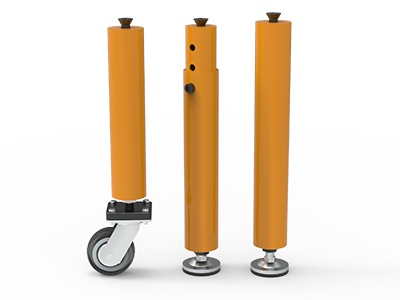
 Round Table Legs
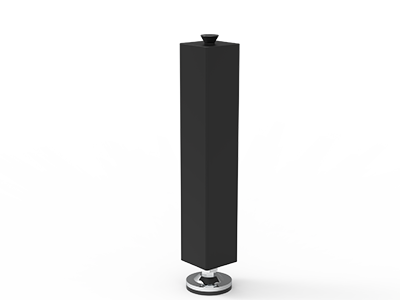 Square Table Legs
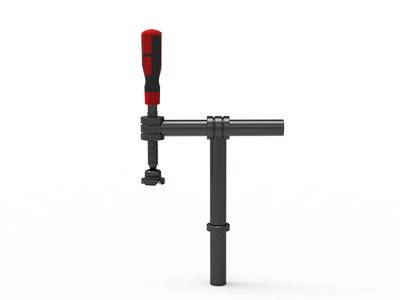 Clamp 180°
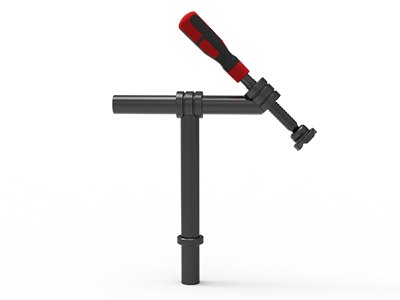 Clamps 45°
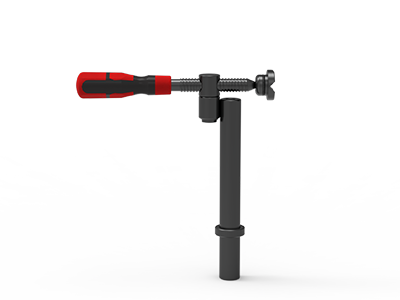 clamp 90°
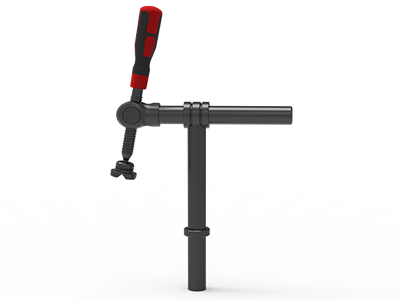 DRINK
DRINK
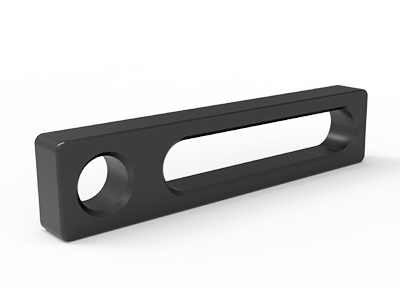 Stop
Stop
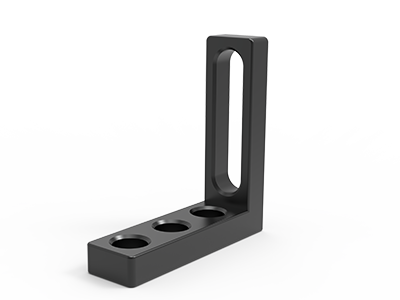 Angle Stop
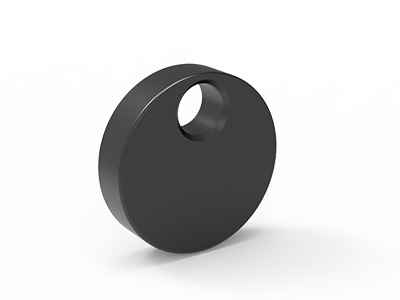 Eccentric Stop Ø 60
 Angle Alignment Template
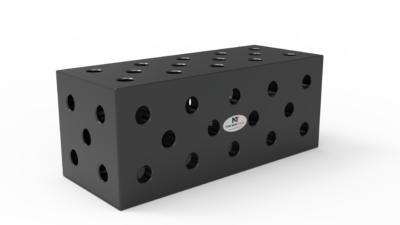 Square u-shape
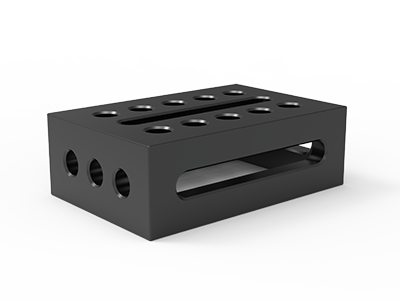 Support and clamping frame
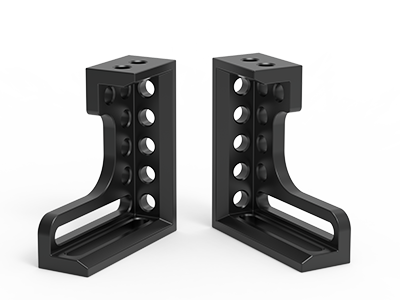 Angle support
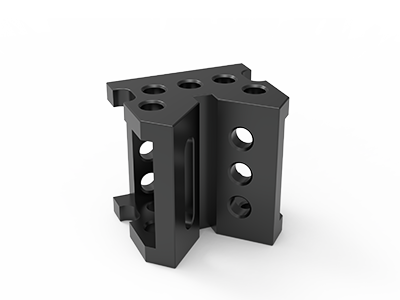 Corner Connection
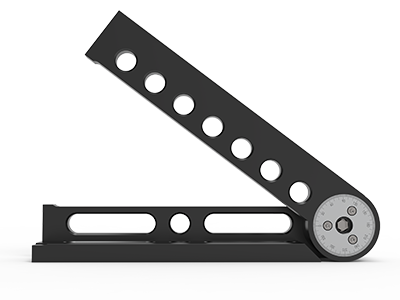 Universal angle clamping
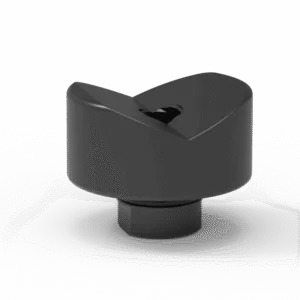 Prism with screwed-in collar
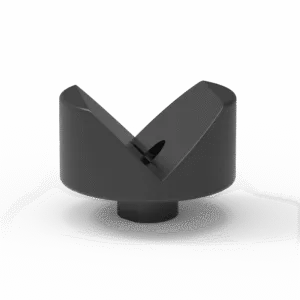 Prism with screwed-in collar
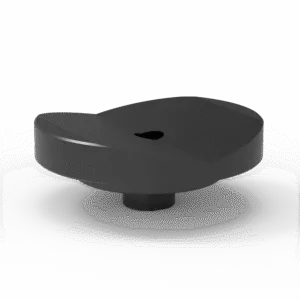 Prism with screwed-in collar
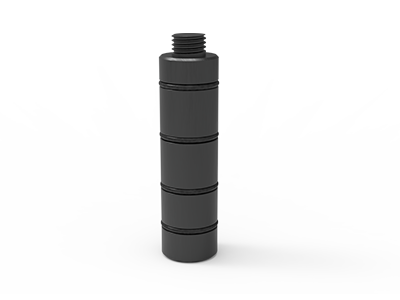 Prism Extension
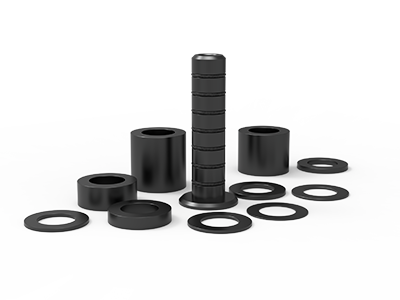 Set of Supports 11-piece set
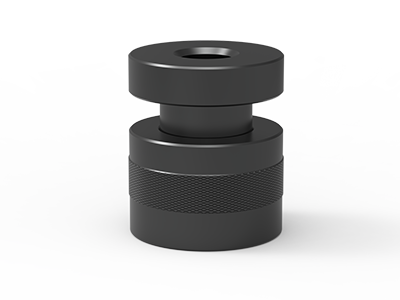 Screw Support Ø 80
 Shipping Bracket
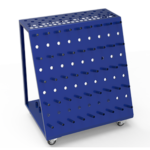 Tool Cart
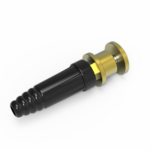 Ground Connection
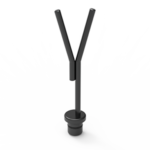 Welding torch holder
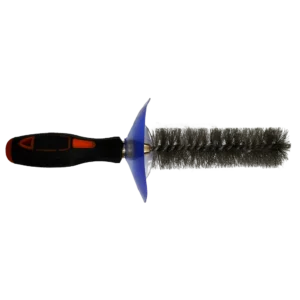 Brush with protecting cover
 Oilstone
 Pump Spray Bottle
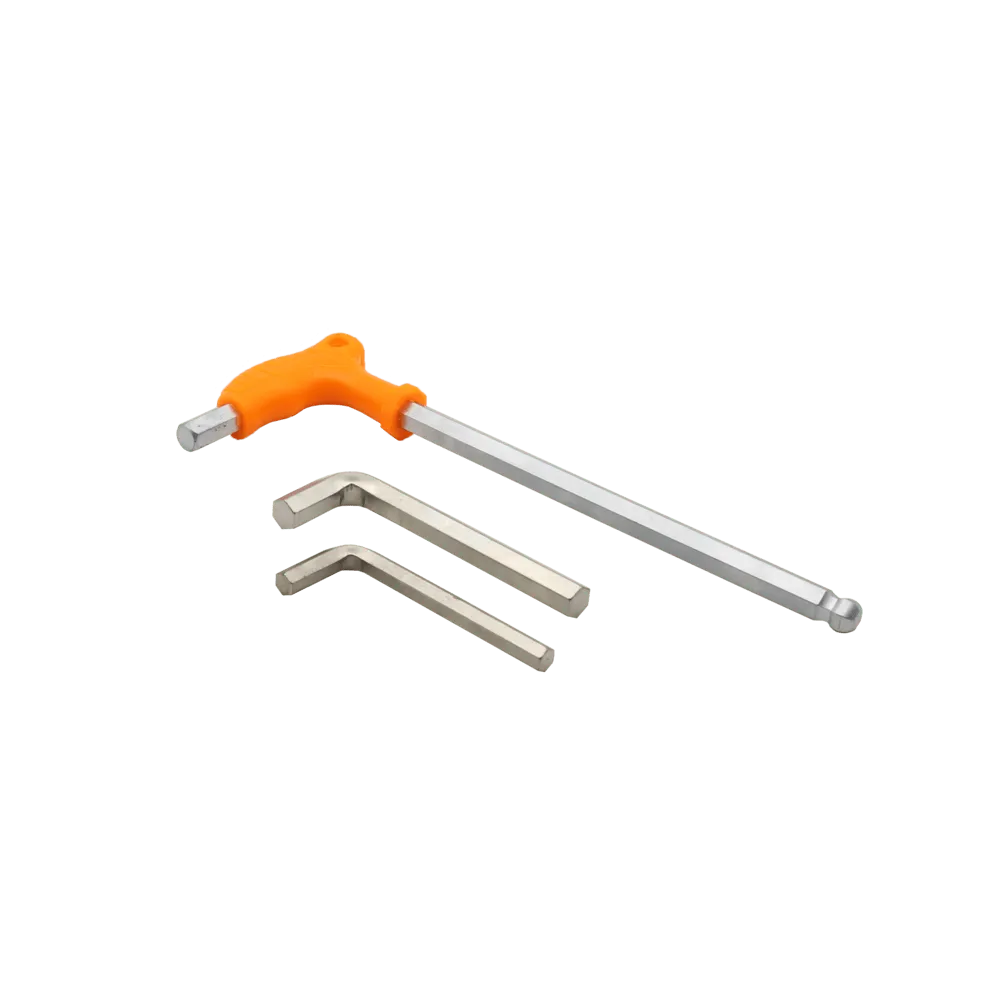 Allen Wrench
Setting Up Your First 3D Welding Table: A Step-by-Step Guide
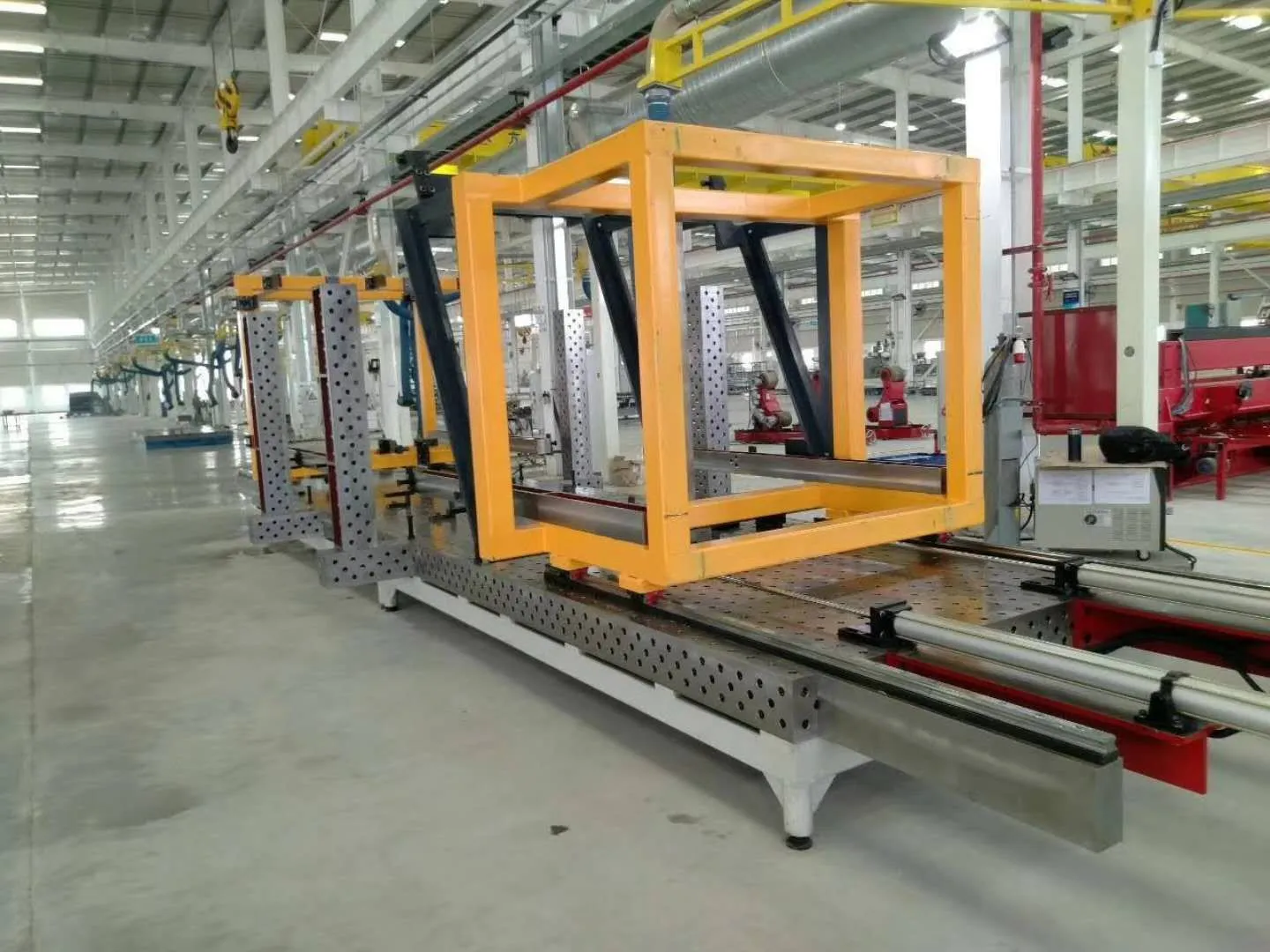
Setting Up Your First 3D Welding Table: A Step-by-Step Guide
By NewWeldTable | Technique Guide Series
Before You Start: Site Preparation
A 3D welding table is heavy. A standard 2400x1200mm table weighs 800-1200kg. Ensure your floor can support the weight and has a level surface. Allow at least 1.5 meters of clearance on all sides for workpiece handling and operator access.
Pre-Installation Checklist
- Level concrete floor (tolerance: +/-3mm over 2m)
- Minimum 1.5m clearance on all sides
- Adequate lighting above the table area
- Overhead crane or forklift for unloading
- Proper ventilation for welding fumes
Step 1: Unboxing and Inspection
Your table arrives in a heavy-duty wooden crate. Carefully remove the crate and inspect the table surface for any damage during transit. Check the flatness using a straightedge before proceeding.
Step 2: Positioning and Leveling
Place the table in its final position. Use the adjustable feet to level the table. A spirit level placed diagonally across the surface should show level in both directions. Lock the feet in place once level.
Step 3: Anchoring
For heavy-duty use, anchor the table to the floor using the mounting holes in the table legs. Use M12 or M16 expansion bolts appropriate for your floor type. This prevents movement during heavy welding and clamping.
Step 4: First Accessory Setup
Start with a basic accessory set: four locking pins for corner positioning, two toggle clamps, and a 90-degree angle bracket. Practice setting up a simple 90-degree joint to get familiar with the modular system.
Need help with setup? Our support team is here to help.
Tags: welding table setup, installation guide, workshop layout