
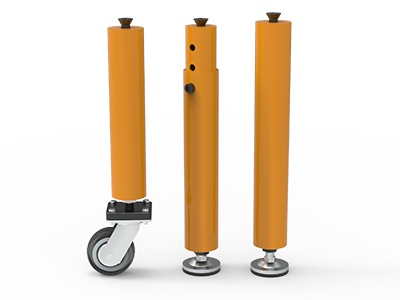
 Round Table Legs
 Square Table Legs
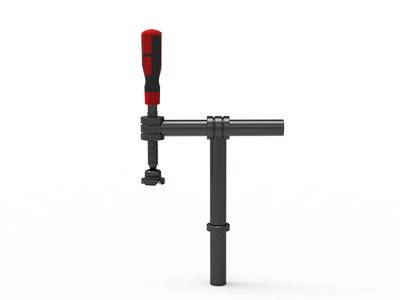 Clamp 180°
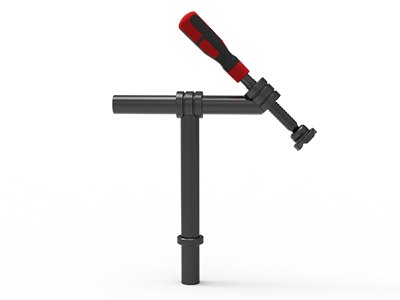 Clamps 45°
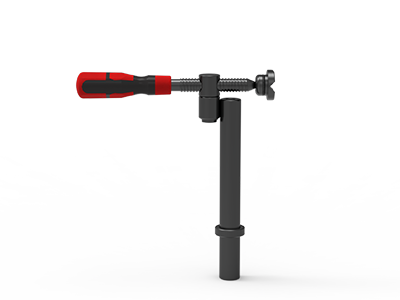 clamp 90°
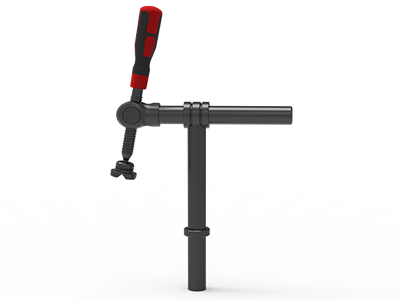 DRINK
DRINK
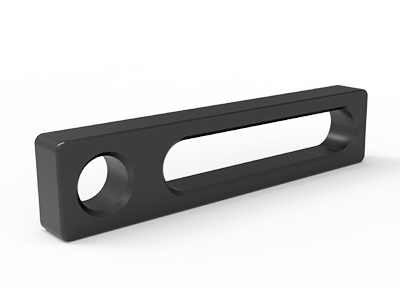 Stop
Stop
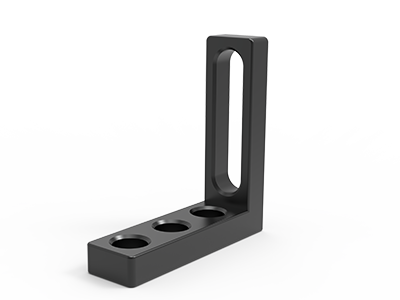 Angle Stop
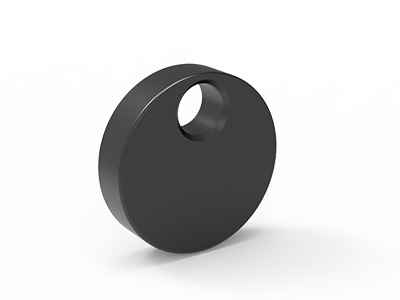 Eccentric Stop Ø 60
 Angle Alignment Template
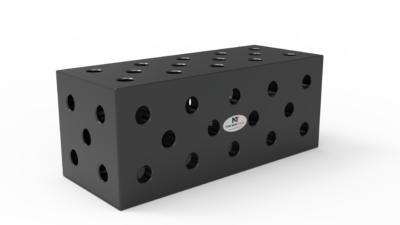 Square u-shape
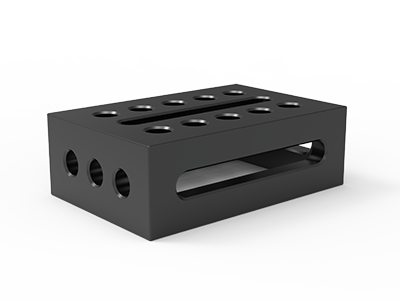 Support and clamping frame
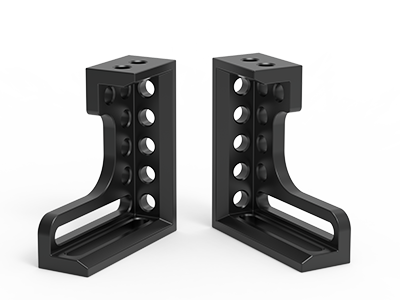 Angle support
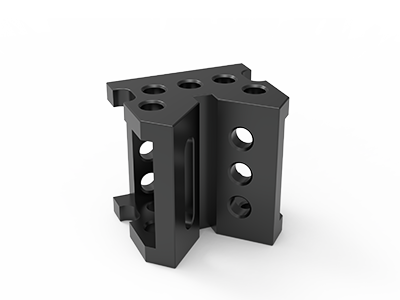 Corner Connection
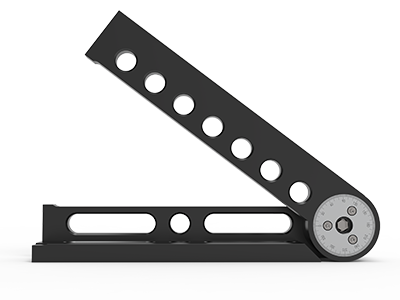 Universal angle clamping
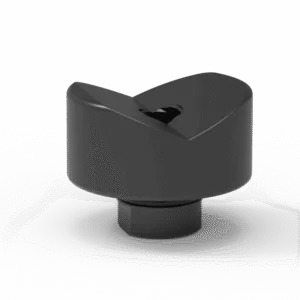 Prism with screwed-in collar
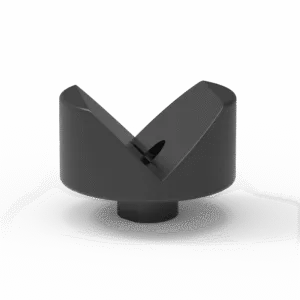 Prism with screwed-in collar
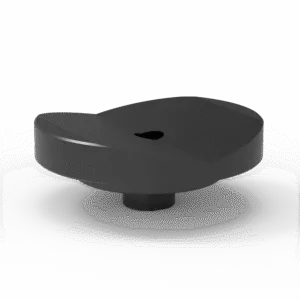 Prism with screwed-in collar
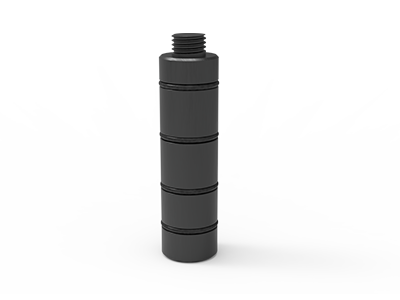 Prism Extension
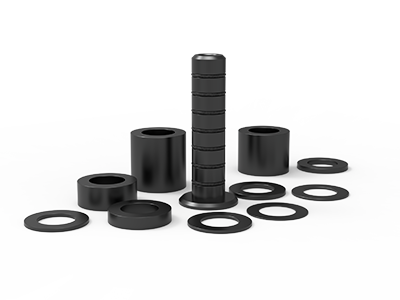 Set of Supports 11-piece set
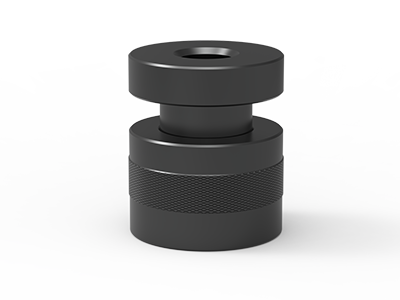 Screw Support Ø 80
 Shipping Bracket
 Tool Cart
 Ground Connection
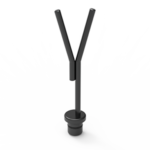 Welding torch holder
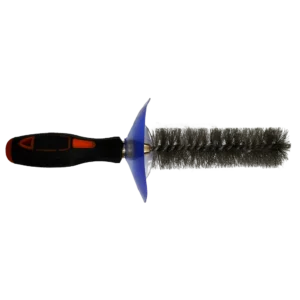 Brush with protecting cover
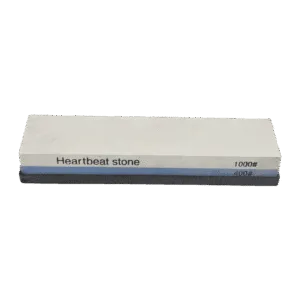 Oilstone
 Pump Spray Bottle
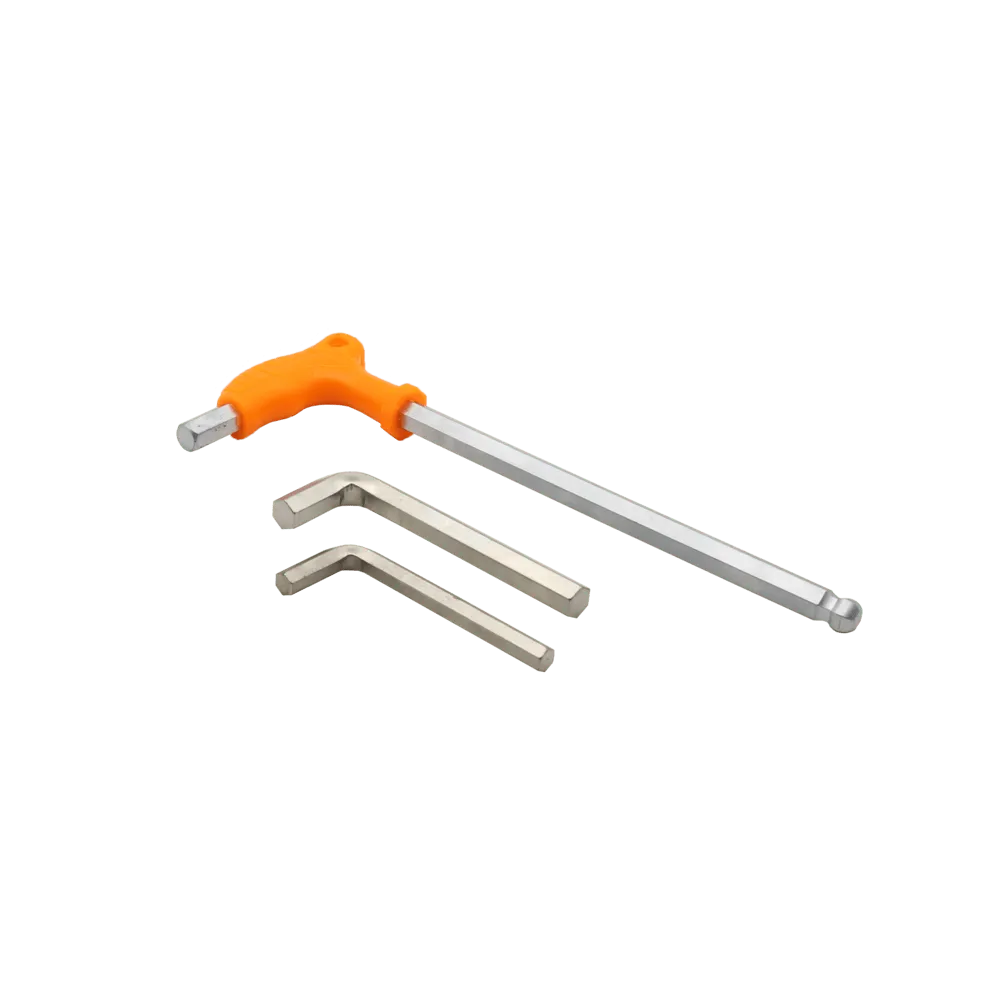 Allen Wrench
Welding Fixture Changeover Checklist for Modular Tables
A useful welding fixture changeover checklist answers one question: can the next operator rebuild the approved layout and produce an acceptable first part without guessing? Record the current fixture before stripping it, verify the new stops and supports against the drawing, dry-fit an unwelded part, then release production only after the first welded part is checked. A photograph alone is not a setup instruction.
This procedure is for manual modular-table work in short runs and repeat orders. It covers the fixture and its verification; the approved welding procedure, electrical safety checks and any customer inspection plan still govern the welding operation. If you are deciding whether a modular table suits changing jobs at all, start with our small-batch changeover overview.
Define the next job before clearing the table
Put the released part drawing, revision, work order and inspection requirements beside the table. Mark the dimensions that must pass after welding, not merely while the assembly is clamped. For a frame, these may include the overall envelope, diagonals, hole-to-edge positions and the location of a mating face. For a bracket assembly, the critical item may be a face angle or a hole pattern. Use the actual drawing limits; the table grid is a positioning aid, not the product tolerance.
Decide which features locate the part, which support it, and which clamps only hold it in contact. That distinction prevents an extra stop from quietly shifting the part when stock dimensions vary. If the previous job used a different hole system, table or drawing revision, treat the change as a new setup rather than assuming yesterday’s fixture coordinates still apply.
Capture the outgoing fixture before dismantling it
The most expensive missing detail is often discovered on the next repeat order. Before removing the outgoing stops, take a top view that shows the table origin, plus close views of each datum contact, support height and clamp orientation. Write down accessory part numbers and hole coordinates. Mark any spacer or shim with its measured thickness and reason for use; an unexplained shim is a poor production instruction.
- Identify the old drawing revision and the last accepted part or batch.
- Record stop faces, bolt positions, clamp reach, support settings and any side-face tooling.
- Note worn contact faces, loose fasteners, damaged holes or spatter that requires attention.
- Store the photos with the setup sheet and work order, not in an unlabelled phone album.
Remove tooling only after the record is usable. Clean the exposed working area using methods approved for the table’s surface treatment. Do not grind a precision reference face simply to make removal quicker. Segregate damaged accessories so they cannot be returned to the next fixture by mistake.
Make a setup sheet that survives a shift change
A setup sheet needs more than a photo and a product name. Give each movable item a coordinate and a job. A simple table is enough if someone can reproduce it without consulting the original setter. Use one marked origin and describe whether coordinates refer to a hole center, a stop face or the workpiece edge; those are different locations.
| Record field | What to enter | What it prevents |
|---|---|---|
| Job identity | Part number, drawing revision, work order, table model | Using a layout for an obsolete drawing |
| Origin and grid | Named table corner, X/Y direction, hole system and pitch | Mirrored or offset rebuilds |
| Locators | Accessory ID, mounting holes, active contact face | Confusing a mounting position with a datum |
| Supports | Contact point, height setting and any measured spacer | Twisting a part to meet a fixture |
| Clamps and bolts | Type, mounting point, pad location and engagement check | Wrong reach or incomplete fastening |
| Release checks | Dry-fit observations, first-piece measurements and approver | Starting a batch from an unchecked setup |
Keep a blank form at the workstation, but fill it with job-specific values. “Set clamps as shown” leaves too much to interpretation when a clamp can swivel or when a stop has several usable faces. If a dimension is controlled by a gauge or template, identify that device and its current approved version.
Rebuild from locators to supports to clamps
Install the primary locating faces first. Check that each face is clean, seated and fixed in the recorded holes. Add secondary locators, then supports, and only then clamps. A clamp should press the part toward its intended contact; it should not be used to pull an inaccurate blank into a nominal shape without an agreed process allowance. Leave a route to load the raw components and remove the welded assembly.
A D28 layout example
Our TA282010N product page lists a 2,000 × 1,000 mm working area, D28 holes on top and side faces, and a 100 × 100 mm grid. Those are useful fields for a setup record: “top hole X4/Y3” can locate a mounting point once the origin and axis directions are defined. It does not establish the position of the actual contact face. Measure or document the accessory offset from that mounting hole.
For example, a ZC28152 D28 clamping square is listed as 200 × 75 × 300 mm, with a 27 mm thickness. A setup sheet must say which face contacts the workpiece and whether the square is upright or flat. Do not copy those dimensions to a different square merely because both fit D28 holes. For every bolt or pin, check the actual table and accessory stack; our D28 bolt selection guide explains why nominal hole size alone is not a fit check.
If the job uses side-face tooling, sketch the side view too. Top-view coordinates cannot show the vertical contact height or whether a clamp interferes with the table edge. Check the workpiece envelope through loading, tacking, full welding and removal, not just at its final clamped position.
Dry-fit the actual incoming components
Before striking an arc, load representative incoming components in the planned order. They should seat on the intended locators without force that conceals a cutting or forming error. Check joint gaps against the drawing or approved fit-up instruction, verify access for the torch and inspection tools, and make sure a hand can reach each clamp safely. Confirm that tacks will not lock the part against a stop that must be withdrawn for removal.
- Check that all active locator faces touch where the setup sheet says they should.
- Look for rocking on supports before tightening clamps; investigate the cause rather than adding pressure.
- Check clamp pads against the actual section shape and any surface that must remain unmarked.
- Verify that each fastener locks as intended and does not bottom out on the stack.
- Use the approved drawing or inspection plan for gap and dimension limits; do not substitute a generic tolerance.
Record any adjustment. If a stop moves from its released coordinate, the sheet and photo must change with it. An undocumented correction may solve one first part and create the next batch’s problem.
Approve the first welded part after release from the fixture
A dry fit proves that the components can be loaded; it does not prove the welded result. Follow the job’s approved tack and weld sequence, then remove the first part and measure the specified features in its required inspection condition. In-fixture measurements can be useful for process checks, but they may hide movement that appears after unclamping.
Record the actual result beside each required drawing characteristic, the measuring method, the part ID and the person who approved the changeover. If a feature fails, hold the batch, separate the first part and identify whether the cause is input stock, fixture position, clamping, weld sequence or inspection method. Altering the fixture without updating the setup sheet makes the next repeat order unreliable.
Where production control requires a second-person sign-off, include it. The approval rule should be set by the workshop’s quality plan or customer’s contract, rather than implied by the table supplier. The same applies to how often dimensions are rechecked during the run.
Watch for changes a photo cannot show
Two tables with the same nominal length may have different usable edges, hole positions, side faces or leg arrangements. Confirm the exact model, top size, hole system, grid pitch and table condition before transferring a setup sheet. Material and surface treatment matter when deciding how to clean and protect the worktop, but they do not substitute for checking the actual contact faces. For mixed-brand tooling, obtain mating dimensions and permitted stack details rather than treating “D28” as a universal compatibility certificate.
Also check what changed in the part: revised hole pattern, new bend radius, alternate section thickness, different cut length or a new weld access requirement. The correct response may be a new stop, support or table size rather than another clamp. Keep each approved layout linked to its drawing revision so an older order can be rebuilt deliberately.
A 12-point changeover release checklist
- Confirm part number, drawing revision, work order and inspection plan.
- Record the outgoing layout and last accepted batch before removing tools.
- Clean and inspect the table and segregate damaged accessories.
- Confirm table model, hole system, grid pitch and named origin.
- Install and check the primary and secondary locator faces.
- Set supports and document any height adjustment or spacer.
- Mount clamps and verify bolt or pin engagement for the actual stack.
- Dry-fit real incoming parts without forcing them into position.
- Check fit-up, weld access, inspection access and part removal.
- Update the setup sheet and photographs after every adjustment.
- Weld and inspect the first part after releasing it from the fixture.
- Record results and the required approval before starting the batch.
Specify the fixture around a real part family
When buying a modular table for repeat changeovers, send the supplier two or three representative part drawings, the expected table envelope, the desired D16 or D28 system, and your planned locating and clamping points. Ask for the table model, hole layout, accessory list and drawings needed to document each setup. Include any side-face access, surface-treatment, packing and destination requirements that affect the order. This gives both buyer and supplier a concrete basis for deciding whether the proposed package can support the jobs.
Send your drawings and current fixture problems through our request a quote form. We can review the table and tooling scope with you; final fit, tolerances and supply details should be confirmed against the quoted configuration.