
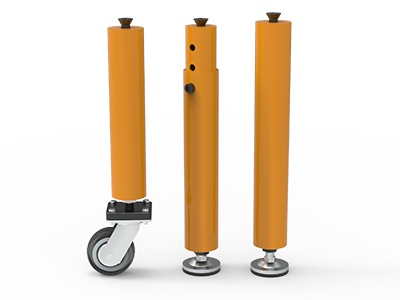
 Round Table Legs
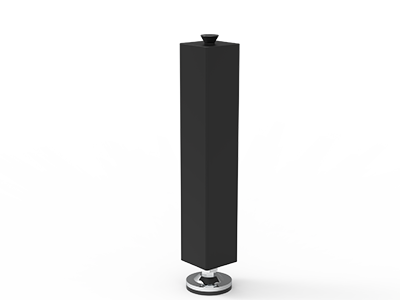 Square Table Legs
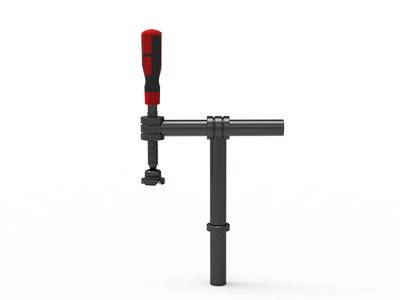 Clamp 180°
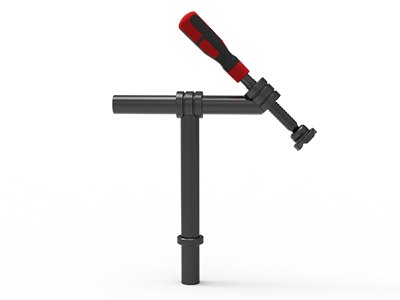 Clamps 45°
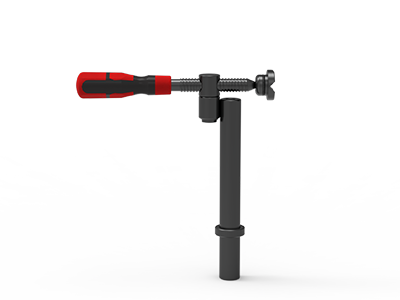 clamp 90°
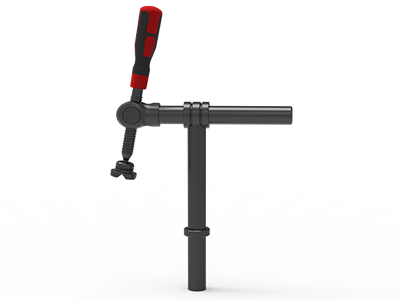 DRINK
DRINK
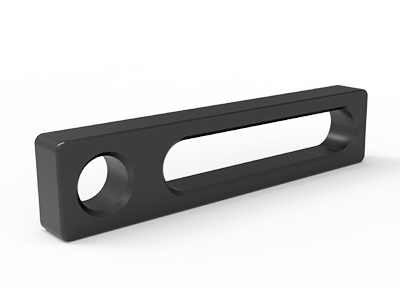 Stop
Stop
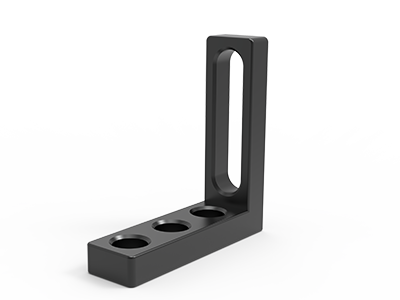 Angle Stop
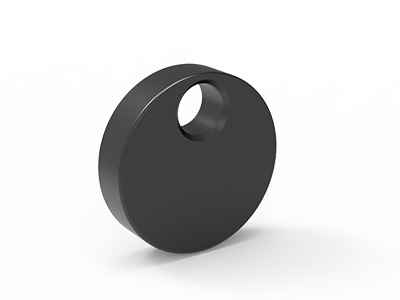 Eccentric Stop Ø 60
 Angle Alignment Template
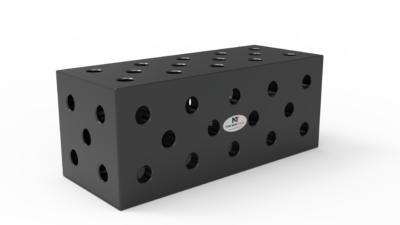 Square u-shape
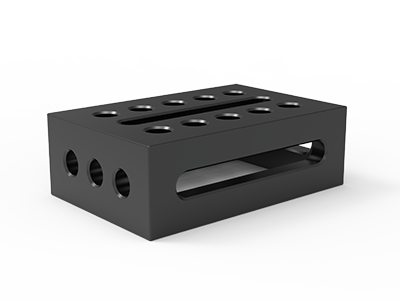 Support and clamping frame
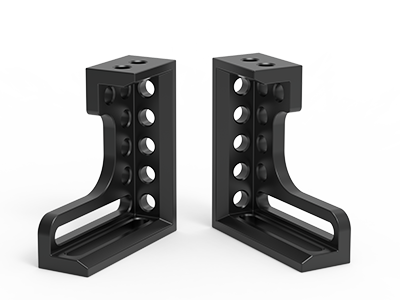 Angle support
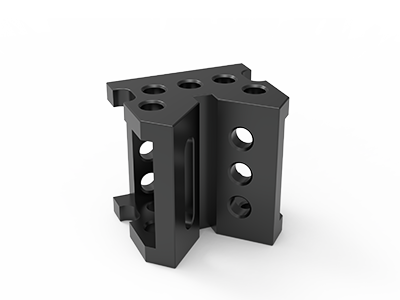 Corner Connection
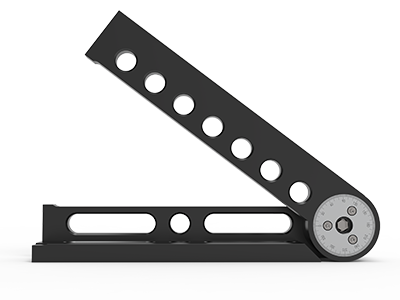 Universal angle clamping
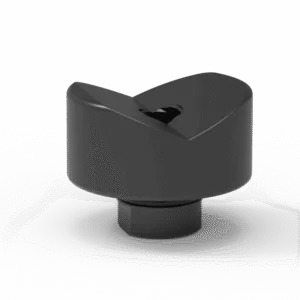 Prism with screwed-in collar
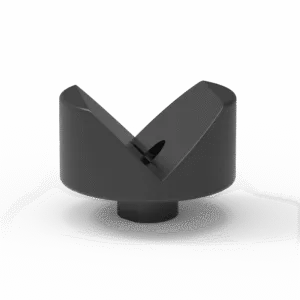 Prism with screwed-in collar
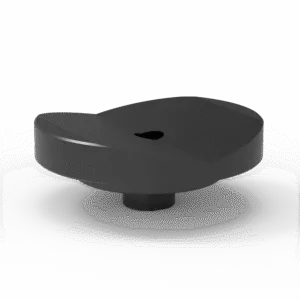 Prism with screwed-in collar
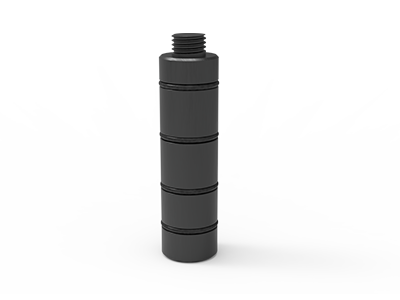 Prism Extension
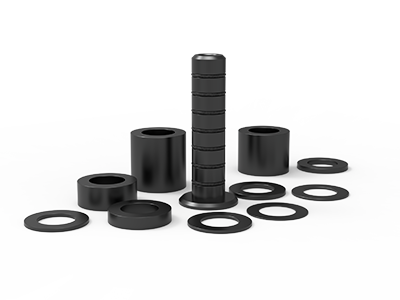 Set of Supports 11-piece set
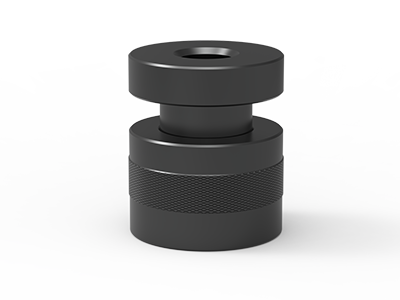 Screw Support Ø 80
 Shipping Bracket
 Tool Cart
 Ground Connection
 Welding torch holder
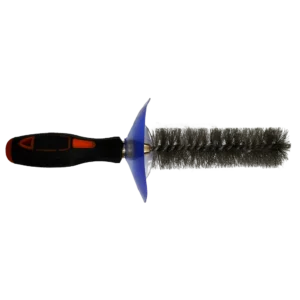 Brush with protecting cover
 Oilstone
 Pump Spray Bottle
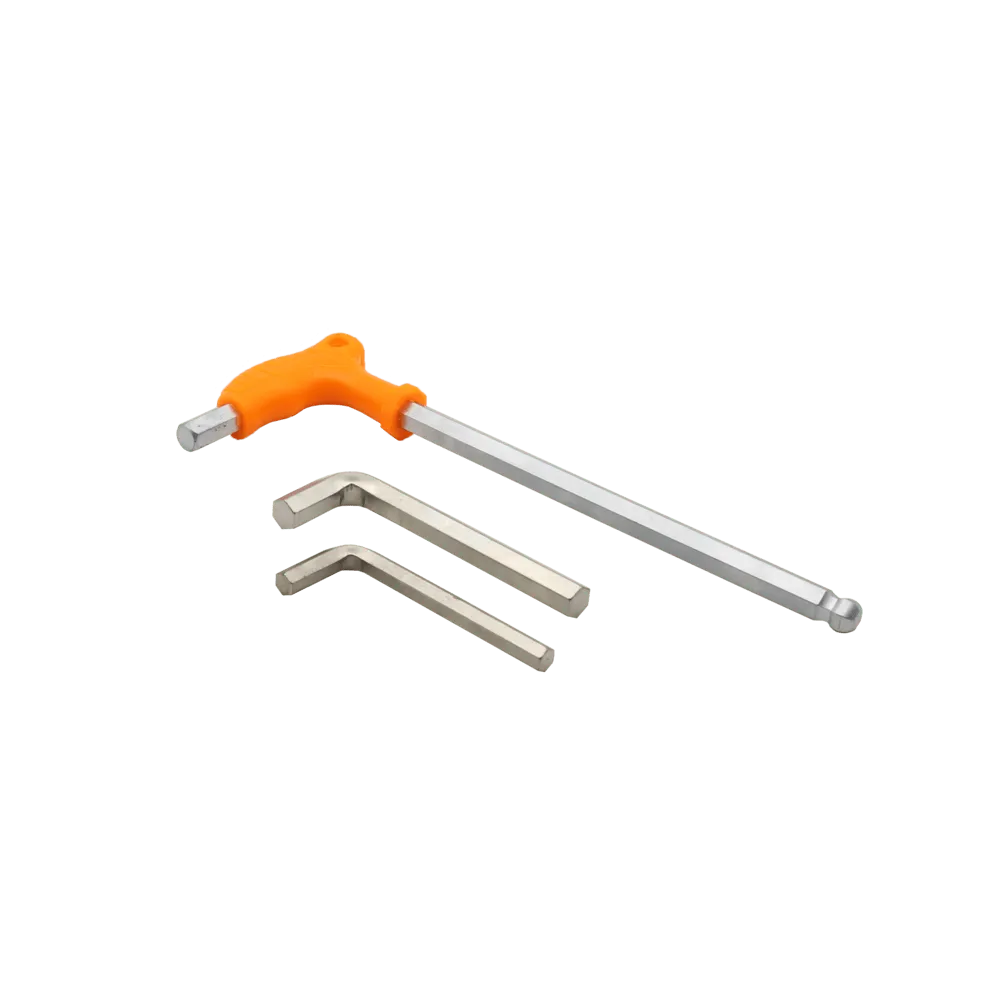 Allen Wrench
How to Connect Two 3D Welding Tables for Long Workpieces
To connect two 3D welding tables for a long workpiece, first choose the gap and working layout from the part drawing. Then confirm that both tables can be set to the same usable height, that a specified connector fits their hole and side-face patterns, and that the connector has the support required by its manufacturer. Check alignment and fixture access after assembly. Two tables pushed together are not automatically one continuous, level reference surface.
This is a purchasing and setup guide for fabricators building gates, machine frames, rails or other assemblies that overrun a single table. It deals with the interface between tables, not the choice of a general table size. A long workpiece may need two supported stations with a clear gap, or a bolted extension that carries tooling across that gap. Those are different configurations and should appear separately on the quotation.
Decide whether the workpiece needs a bridge
Start with the finished assembly drawing and mark the controlled dimensions, weld joints, handling points and places where a clamp must reach. Lay those features over two table outlines at a realistic scale. If the part only needs support near each end, a measured space between two tables may leave useful access for welding and lifting. If a datum, clamp or short component must sit between the tables, a compatible bridging element may be justified.
Do not select a connector simply because the overall workpiece is longer than the tabletop. A connector occupies space, adds fastening operations and may obstruct an underside weld. Conversely, placing two independent tables under one assembly without a common alignment plan can make a tight cross-table dimension difficult to repeat. Define which feature needs continuity: a level support plane, a row of mounting holes, a straight locating face or simply a safe place to rest the part.
| Layout | Useful when | Main check |
|---|---|---|
| Two separate tables | Support is needed at spaced locations; the middle stays open | Independent leveling, distance and repeatable workpiece datum |
| Tables joined by a D28 extension | Tooling or a part feature must occupy the space between tables | Exact mounting interface, connector support and top alignment |
| One longer table | Most work repeatedly requires an uninterrupted platform | Handling, floor space and total delivered configuration |
NewWeldTable lists its TA282010N table with a 2,000 × 1,000 mm working area, D28 holes on the top and side faces, a 100 × 100 mm grid, Q355B steel and nitriding plus oxidation treatment. Those are useful starting dimensions for a layout, not a guarantee that two examples will align without adjustment. Request drawings for the actual table and support configuration you intend to buy.
Check the table interface before choosing hardware
“D28” describes a nominal hole system; it does not by itself specify every bore tolerance, edge offset, top thickness or bolt seat. Ask for a plan and side view of both tables. Mark the holes available near the facing edges, any side-face rows and the distance from the last hole center to the edge. If the two tables are different models or were bought at different times, treat each drawing separately.
Place the connector outline on those drawings. Its mounting holes must meet usable holes on both tables, while leaving access to insert and tighten the proposed fasteners. Check the table apron, ribs, corner details and legs underneath. A component can appear to span the gap in a top view yet collide with a side face or prevent a bolt from engaging. If the plan uses an adaptor, include its thickness and installed height in the drawing rather than treating it as invisible hardware.
Distinguish a connector from an alignment tool
A perforated extension can add mounting positions between the tables. A joining element can also serve mainly to secure the two units together. Ask which function the proposed part performs. Neither function proves the resulting surfaces are coplanar, and two products labeled D28 may have different mounting details.
Ask the supplier to identify the connector model, the exact table models it fits and every required bolt or bush. If a drawing does not show the assembled joint, request one. Cross-brand compatibility should be demonstrated from dimensions rather than inferred from a shared hole diameter.
Select the bridge length and its support
NewWeldTable describes its UF281000 D28 Square U-Shape as a table extension and a connection between two tables, mounted with connecting bolts. Its page says an extension exceeding 1,000 mm needs a supporting table leg, and notes rear mounting holes for legs on U-shaped squares from 1,000 mm length. Treat that statement as a product instruction to resolve in the quoted assembly, not as a universal load rule for every connector.
The catalog also lists a UF282000 2,000 mm U-shaped square. A name or overall length does not tell you its allowable unsupported span, installed height, load rating or safe overhang. For a proposed bridge, send the gap dimension, where workpiece weight will bear and where clamps will apply force. Request the exact leg position, fasteners and any limits for the complete arrangement. A support leg must bear on suitable floor or structure and must not be assumed to transfer load through a caster brake alone.
Separate the connector’s role from the workpiece’s support plan. A gridded bridge may carry light tooling positions while the heavy assembly is supported closer to table legs; another job may require the bridge itself to take a concentrated load. Those cases need different engineering checks. Do not invent a capacity from the connector’s section thickness or appearance. If the load matters, ask for the manufacturer’s approved configuration and rating in writing.
Plan the fastening stack
List every interface from table to connector: table wall or top, connector wall, washer or adaptor if specified, bolt seat and engagement. The correct bolt type and length depend on this stack. A 50 mm bolt that works through one accessory may not be suitable through a second wall. The D28 bolt guide explains the distinctions among positioning, quick clamping and connecting bolts; the supplier still needs to select the exact parts for your drawing.
Show the number and position of fasteners on the assembled view. Confirm whether they can be installed after both tables are in place and whether a tool can reach each head. A technically compatible bolt that is hidden behind a leg or frame member is a poor purchase decision. Record any sequence required to install the bridge before final leveling.
Align the two working surfaces
Set each table on the floor or support system specified for it, then establish a common working height. Adjustable feet can help bring surfaces together, but the required adjustment range and the floor condition must be checked for the actual installation. If one table is mobile, confirm how its position and height are secured during welding; a brake alone does not establish a metrology datum.
Before tightening a bridge, inspect three relationships: vertical step at the joint, tilt across the working width and straight-line position of the relevant hole or datum row. Use a method appropriate to the drawing tolerance, such as a straightedge, level, dial indicator or survey instrument. Measure on clean reference areas, away from spatter and damaged edges. Record the readings at named points so that a later reset can be checked the same way.
A connector should be fastened only after the tables are placed and checked according to its installation instructions. Recheck alignment after tightening, loading the representative workpiece and moving clamps into their working positions. If the measured step or twist exceeds the tolerance needed for the assembly, correct the support and connection before treating the joined tables as one fixture. Do not rely on a weldment being pulled flat by clamps to hide a table mismatch.
Protect fixture access across the joint
Draw the longest and shortest expected parts on the assembled table plan. Mark where operators load material, apply tack welds, reach for clamp handles and remove the finished part. A bridge can create a useful middle row of holes, but it can also put a solid wall under a circumferential weld or close the only route for a lifting sling. If an underside joint must be welded, decide whether the assembly will be repositioned or whether the gap should stay open.
Keep the workpiece’s controlled datums explicit. The table seam is not automatically a part datum. Locate critical faces with a planned set of stops and supports, then direct clamps into those contacts. For repeat work, record table IDs, relative position, selected hole coordinates, connector orientation and the inspection points on a setup sheet. Recheck the critical part dimensions after tacking and after welding according to the job drawing.
What to put in the quotation request
Send one representative workpiece drawing and a simple plan of the intended two-table layout. Ask for a line-item response so there is no ambiguity about what arrives with the tables.
- Workpiece: overall length and width, approximate mass, material, weld locations, controlled dimensions and handling points.
- Tables: model or drawings of both units, working area, D28 hole and grid details, edge offsets, top and side-face construction, existing leg types and target working height.
- Connection: whether a clear gap or bridged surface is required; gap width; connector model, length and orientation; assembled drawing and compatible fastener list.
- Support: leg or floor support specified for the connector, load case and any manufacturer limits for the complete setup.
- Fixture plan: clamp and stop positions, access to underside welds, expected loading direction and the method used to check alignment.
- Purchase details: number of tables and connectors, spare bolts if needed, destination country, shipping method and packing requirements.
Ask the supplier to identify every assumption still open, especially if the existing tables are from another brand or have been modified. For an export order, the connector and loose fasteners should be itemized and packed so they can be matched to the assembly drawing on arrival. Avoid accepting a quote that simply says “two D28 tables plus extension” without the hardware, support and interface dimensions.
A workable decision
Use separate tables when the workpiece only needs spaced support and the open middle improves access. Specify a bridge when a continuous mounting zone is necessary, then verify its fit, support and alignment as an assembly. If most jobs need a continuous surface, compare a longer table before ordering two units. The right choice follows the part drawing and the setup process, not the longest catalog accessory.
Send your workpiece drawing, table models, proposed gap and destination through our request a quote form. Ask us to show the connector, support leg and fastening parts on one assembly view so your workshop can check the configuration before purchase.